-
hello everyone
this morning I decided to install a second monitor on my graphics card01_the plan was:
-principal: LG monitor with VGA cable
-secondary: Samsung monitor with HDMI cable
-PC with ATI RADEON HD 5600 SERIES graphics card02_result:
- it recognized both monitors but the secondary monitor was not configured correctly
03_to configure the screen resolution, I thought, because I read somewhere, that if I started Windows in safe mode, both monitors would be automatically configured
to start in safe mode, my motherboard does not support F8, or I do not press it when I need to, I pressed F12 and the start menu opened but I did not see anything about safe mode,
to start in safe mode, I finally resorted to start\\run\\msconfig\\bootini=>safe mode04_Windows starts in safe mode,
"Windows is running in safe mode, this diagnostic mode allows you to correct the problem that may have been caused by your hardware configuration.
Make sure this configuration is correct in the control panel and then restart Windows.
While in safe mode, some devices will not work.
To continue in safe mode, press accept
If you prefer to use system restore to return your computer to a previous state, press no"05_I pressed accept
06_Windows starts in safe mode and the screens are still not at a satisfactory resolution, that is, Windows did not do this automatically
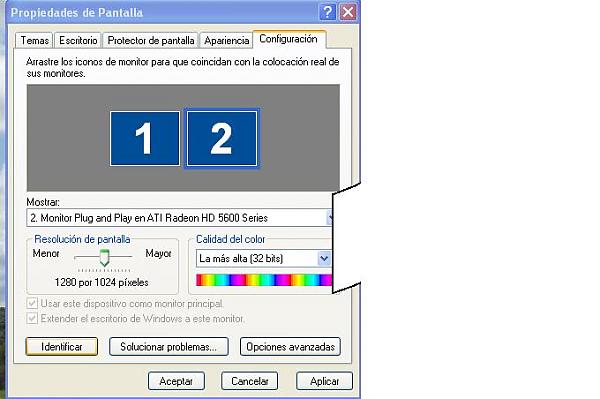
right-click on desktop, properties, display settings: since it is in safe mode, the 2 monitors do not appear, only 1 appears
with a resolution of 1280x1024 (old LG)
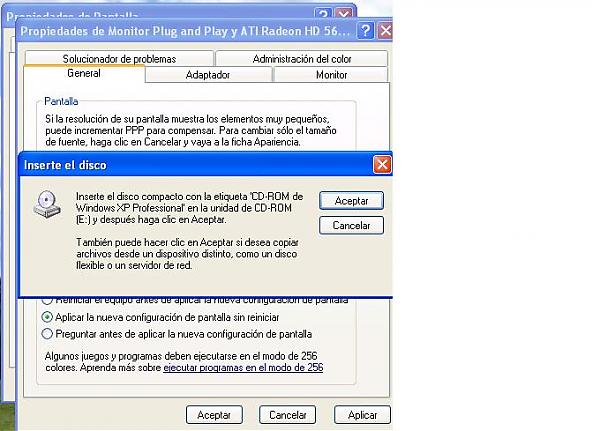
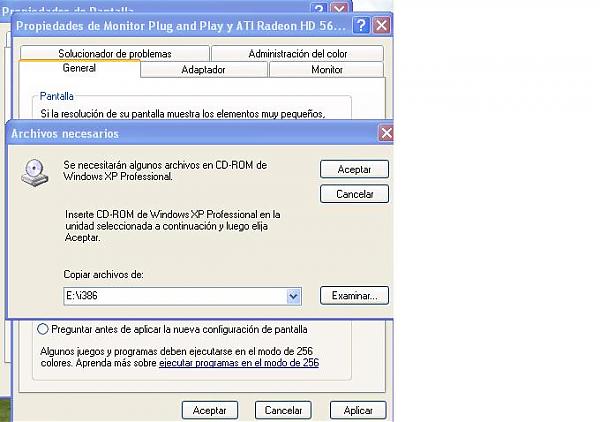
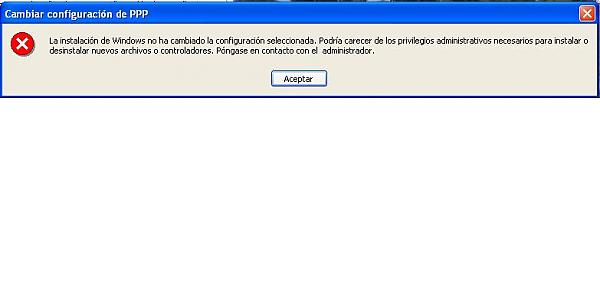
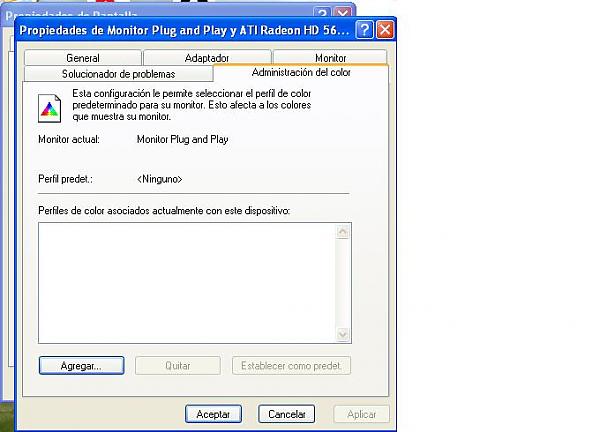
advanced options: general_configuration 96 pp, vga_adapter, list of modes..?, monitor_"default monitor", troubleshooter..nothing happens07_I put the system start feature as it was, normal restart of the 2 monitors, no longer in safe mode
08_it continues with an unsatisfactory resolution
09_I gave up on installing the 2nd monitor in parallel, and I intend to leave everything as it was, that is to say
-Samsung monitor 1360x768 at 60 Hz with VGA cable
-ATI RADEON HD 5600 SERIES graphics card10_I start Windows and….oh no disaster, it turns out that the monitor has been misconfigured
that is:
loss of solid shading____________________________________________
-word does not show solid shading
-excel does not show solid shading
-web pages do not show solid shading
-other programs such as: photoshop, autocad, etc. work correctlychange in the appearance of desktop shortcuts________________
-they appear misplaced, all to the left
-much larger than usual
-with underlined blue text11_I thought about doing a system restore to a point before this morning, but
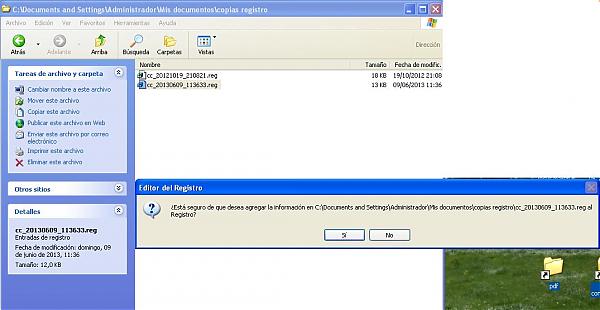
-I do not have automatic creation of restore points activated (I just checked, as I was unaware of this)12_I have a registry backup of a reliable version, from a month ago, file created by ccleaner before cleaning the registry, it is a.reg, but
-I do not know how to use this type of files
-I fear that I will worsen the PC configurationHELP, DOES ANYONE KNOW WHAT I CAN DO?
do a safe mode start again?
use the registry backup generated by ccleaner?amd processor
thanks
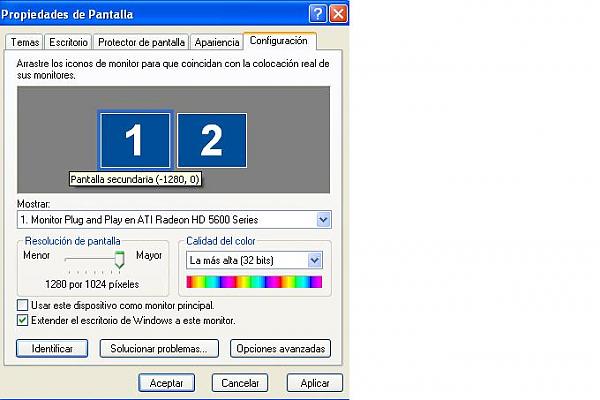
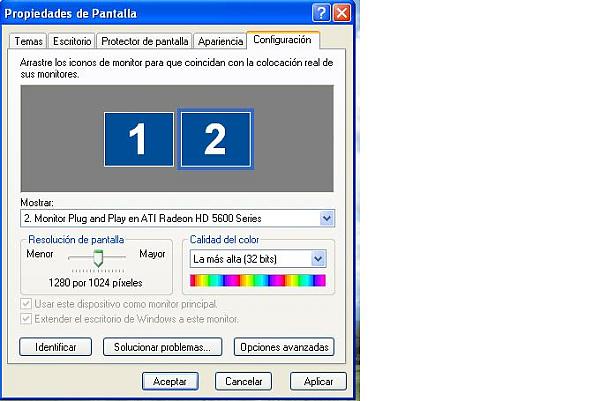
-
attached rest of the captures
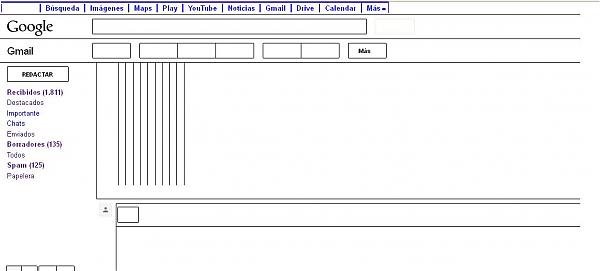

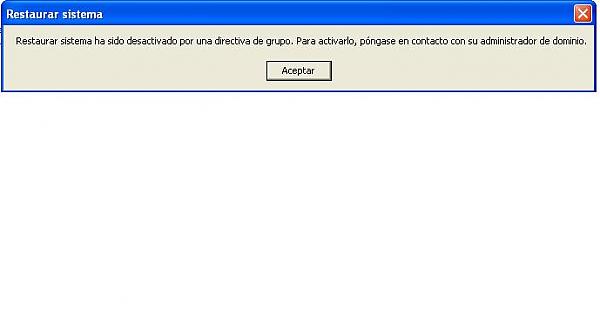
-
Dear forum members:
I started working with a program that worked, leaving aside the inconveniences that I did not know how to solve,
and after a while I have checked that Windows has almost totally recovered its initial state!!!
-word and excell load as expected
-web pages also load wellthe only thing that remains strange is the size of the desktop icons
although they are no longer shaded blueWhy has the size of the desktop icons increased?
does this reflect some change in the resolution, or something that I do not know?Thank you for your attention!
-
Hello
Have you installed the latest drivers available for your graphics card? I would do that, after completely uninstalling the old drivers.
Then modify the resolution and details through the Catalyst (AMD-ATI driver)
PD: By the way, do not duplicate branches. Use the edit function and add the photos in your existing posts in this same branch.
Best regards
-
hello silver,
i will try what you say,
are you referring to the option of trying to mount the two monitors in parallel?
or the option of the icons getting back to their usual size?
i had to duplicate branch because it wouldn't let me attach more than 6 photos, is it possible in several batches? -
I have just linked the posts.
Anyway, you can upload the images to a free image server and you save the limitations of attaching them, and it is also easier to visualize.
Regarding the two monitors, it is convenient to connect the monitor that we want as the main one alone, and once in the Windows desktop, connect the secondary one, and configure the mode of operation and respective resolutions.
On the other hand, with some graphics cards, using an analog output (VGA) for the main monitor can be an impossible task, because they tend to put the digital outputs (DVI, HDMI,...) first.
Bye!
Intel i5 3570k / ASRock Z77 Extreme 4 / G.Skill F3-12800CL9D-8GBRL / Sapphire HD5850 / Samsung HD103UJ / TR TrueSpirit / NZXT Source 210 / OCZ ZS550W
Intel i5 4570 / ASRock H87 Pro 4 / 2x G.Skill F3-14900CL8-4GBXM / Samsung 850 EVO 250Gb + ST1000DM003 + ST2000DM003 + HGST HDS723020BLA642 + Maxtor 6V250F0 / CM Seidon 240M / Zalman MS800 / CM MWE 550
AMD Ryzen 7 1800X / B350 / 2x8GB Samsung DDR4-2400 CL17 / NVIDIA GTX 1070 8GB / SSD 120GB + ST4000DM004 + ST6000DM003 / EVGA Supernova 650 G2 -
It's exactly what Fassou is telling you.I was saying that it's easier to manage from Catalyst, both the resolution of a single monitor and the optimal configuration for the two monitors, depending on whether you want to insist on the idea of the two or leave one alone.
For two monitors, I personally think that the best thing is to use a graphics card with two DVI outputs, so there won't be a conflict over the priority of digital over analog.
If that's not your case, I think you should try to use the two digital outputs that the graphics card has (if it has them: HDMI and DVI or displayport). In this case, you would use the HDMI with the monitor that has it, and use a DVI to VGA adapter for the monitor with a VGA input. This will make the combination easier and give you fewer problems.
PD: I'm Sylver, with Y

Best regards
-
Of course I am interested in setting up the 2 monitors
Replying to Fassou
I am using:
-HDMI output for the main one (in the photo you can see that it has VGA connected, that's how it was until now when he is alone)
-VGA output for the secondary, the only one it has because it's an old monitorIt is convenient to connect the monitor that we want as the main one alone, and once in the Windows desktop, connect the secondary one, and configure the mode of operation and respective resolutions.
ok I will try
Replying to Sylver
-my graphics card does have a DVI output
if the main connection is HDMI and the connection with the secondary is VGA, do I need a DVI-VGA adapter for the secondary? Is that what would prevent me from having a conflict? … -
Fassou
I did exactly what you said and it was perfect
thank you very much!!

