DDR4 RAM problems
-
First of all, hello everyone.
I have been reading the forum a lot, but this time I can't figure it out and find the solution, so I invoke the help of the wisest and I explain:
I am trying to make my RAM work at 3200 but there is no way, I have an i5 6600k and an MSI Gaming M5 motherboard and the following memories:
G.Skill Ripjaws V Black DDR4 3200 PC4-25600
Well, when I activate the XMP, the memories are set as they should be according to the profile and apparently work well, but when I pass the aida 64, I always get a blue screen after 10 or 15 min.
I noticed this when I did OC to the CPU and this is important because the memories have been working for 2 months at 3200 with the XMP activated without giving problems but, when I did the stability TEST to the CPU, I said, I'm going to do it to the memories too and BOOM!
Everyone in the forums only says that I activate the XMP and that's it, they are compatible and etc…
The question is, can the error be only of the program?
Is it really not enough with the XMP? do I have to do it manually?
When I activate the XMP, it changes the voltage, the speed and the cycles, it seems to be everything correct.Thanks in advance!
I leave here the links of what I exposed above in case it is necessary:
Z170A GAMING M5 |
Intel Core™ i5-6600K Processor (6M Cache, up to 3.90 GHz) Specifications
G.Skill Ripjaws V Black DDR4 3200 PC4-25600 16GB 2x8GB CL16 -
Forget about AIDA64, disable CPU OC and test with memtest only the memos (you need a clean-empty USB memory so that the program creates a bootable disk) Select Test 5 and give it 4 or 5 passes. Do this with the memos with everything on auto and then verify that the XMP profile is working well and does not throw errors. If it normally gives errors, something is wrong from the factory. Regarding the RAM Voltage, I would say that you have to set it manually to 1.35V since the XMP profile is only for timings but well. Regarding testing the CPU, it's better to use the LinX-0.6.5.7_11.3.1.002... select 14336MB and then a few 3 or 4 passes and press START... if it doesn't blow up, it's 100% stable. To monitor temperatures or see if there's something strange, I highly recommend HWiNFO... just keep it open while you give it a hard time with LinX Here's an example with WPrime (not useful for stability but for measuring performance): **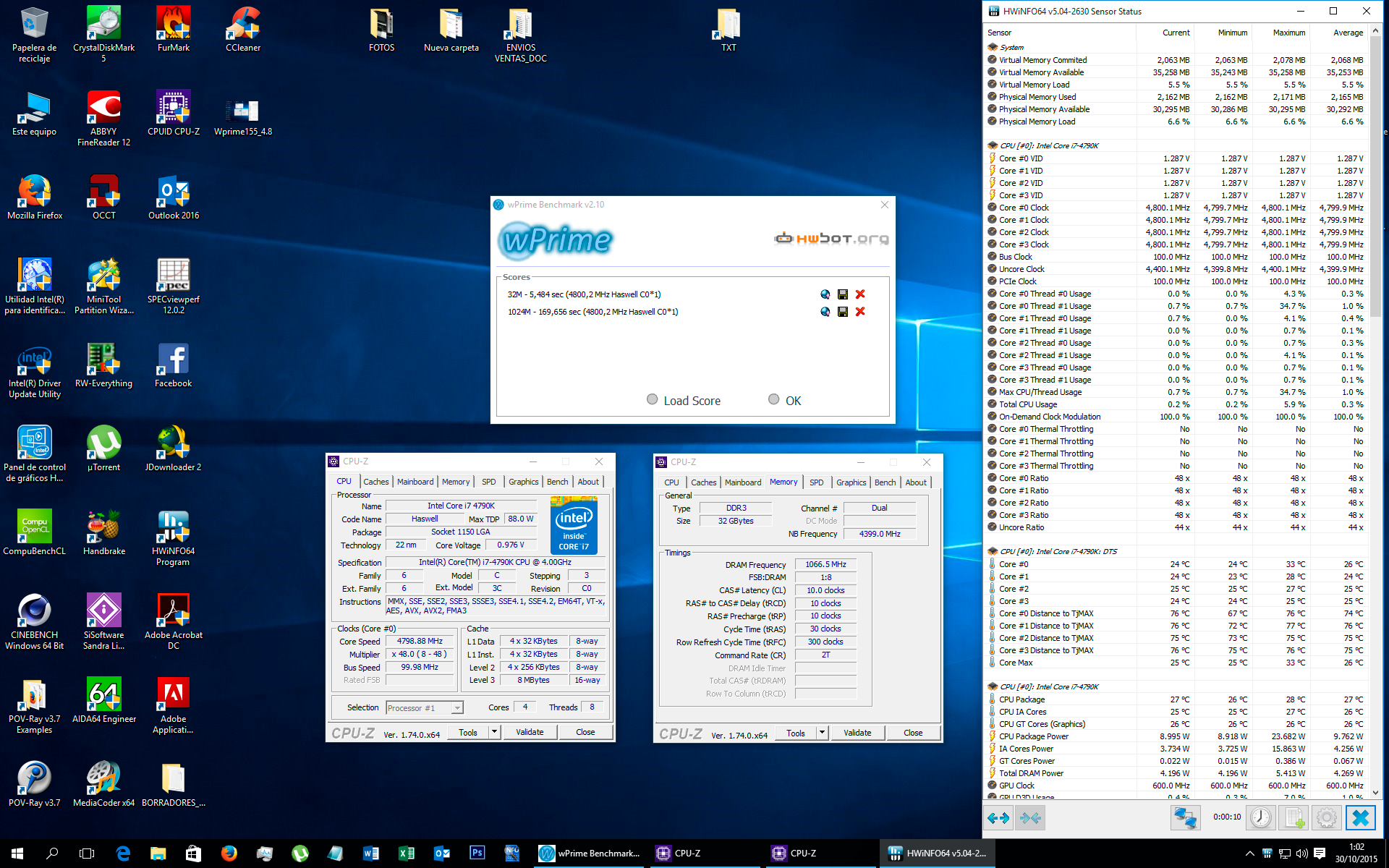
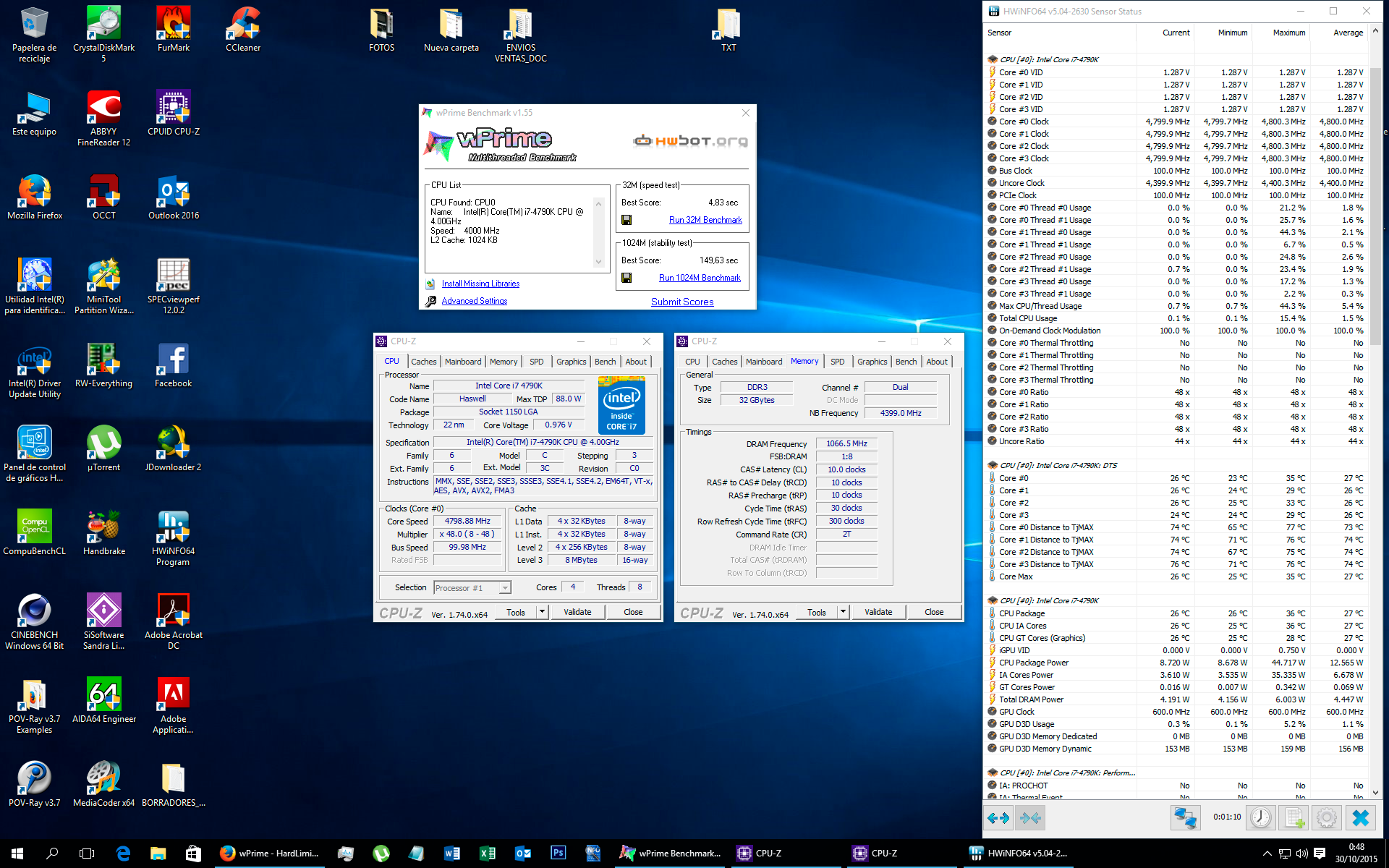 ** If you want to upload captures quickly, use THIS FREE HOSTING NOTE: Remove from HWiNFO those secondary parameters that you don't want to monitor (right-click on the parameter -> HIDE)
-
Wow, thank you so much!
The answer is amazing, as soon as I get home I will try everything, let's hope it works out.
1000 Thanks.
