FXAA - Fast and software antialiasing
-
For those of you who dare, here is a way to do software antialiasing, using a shader, very efficient:
http://dl.dropbox.com/u/12527604/stuff/injectFXAA-beta10.zip
You have to copy the files into the game executable directory, the version corresponding to your graphics (if it's DX9 or DX10 or higher) and it should apply directly. It's a beta, but the results are very promising for the performance they consume. To uninstall it, just delete the copied files.
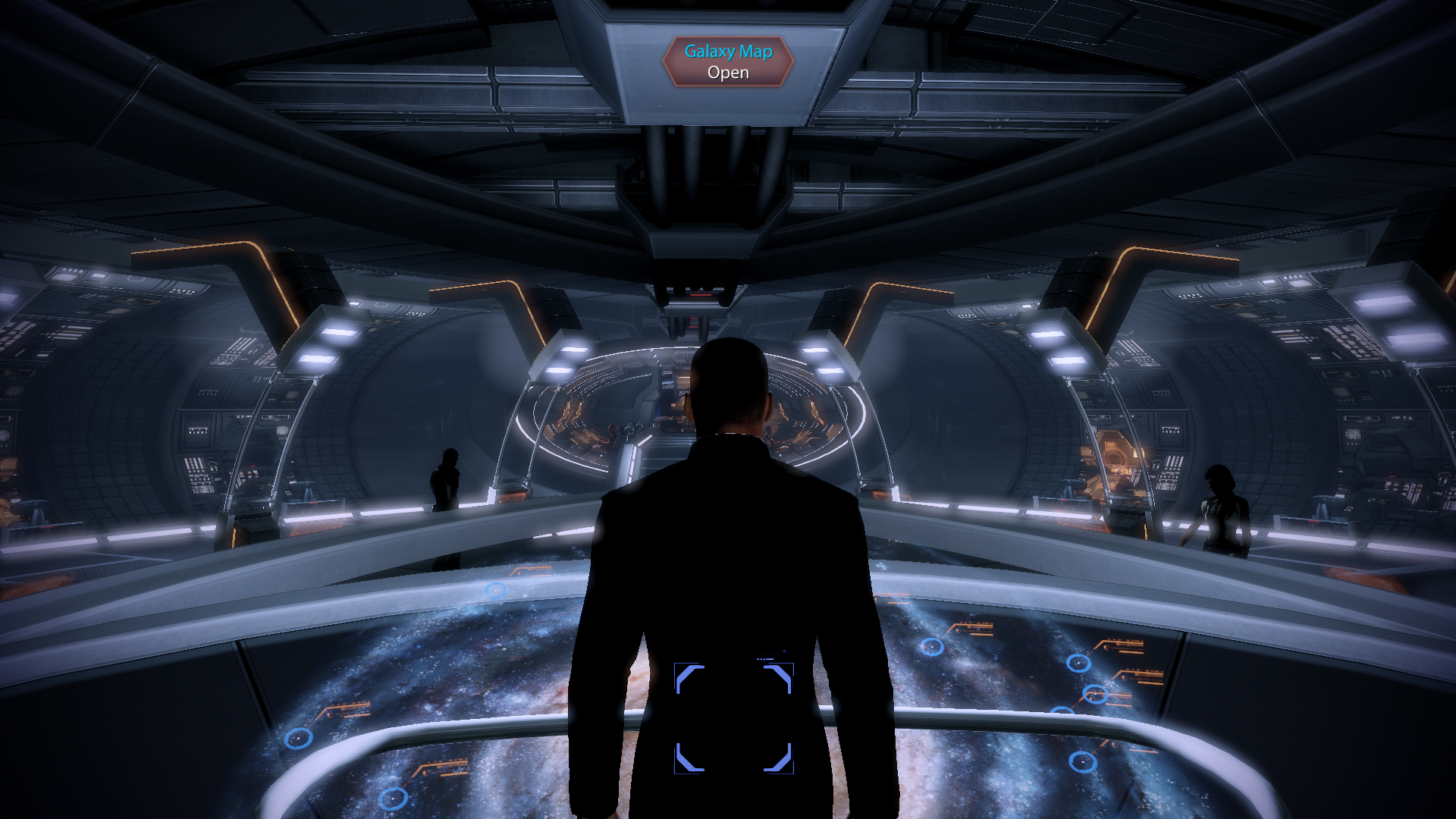
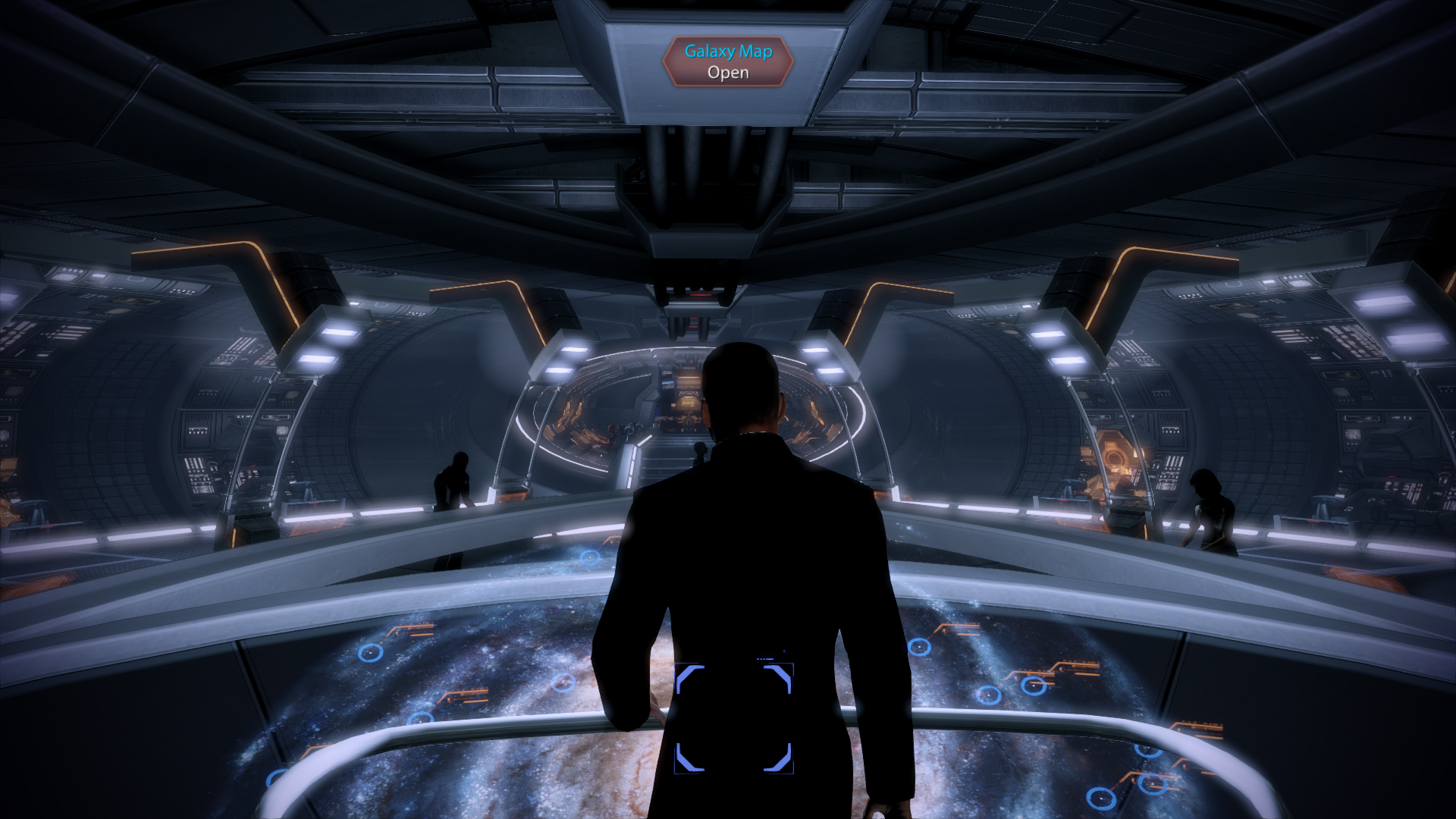
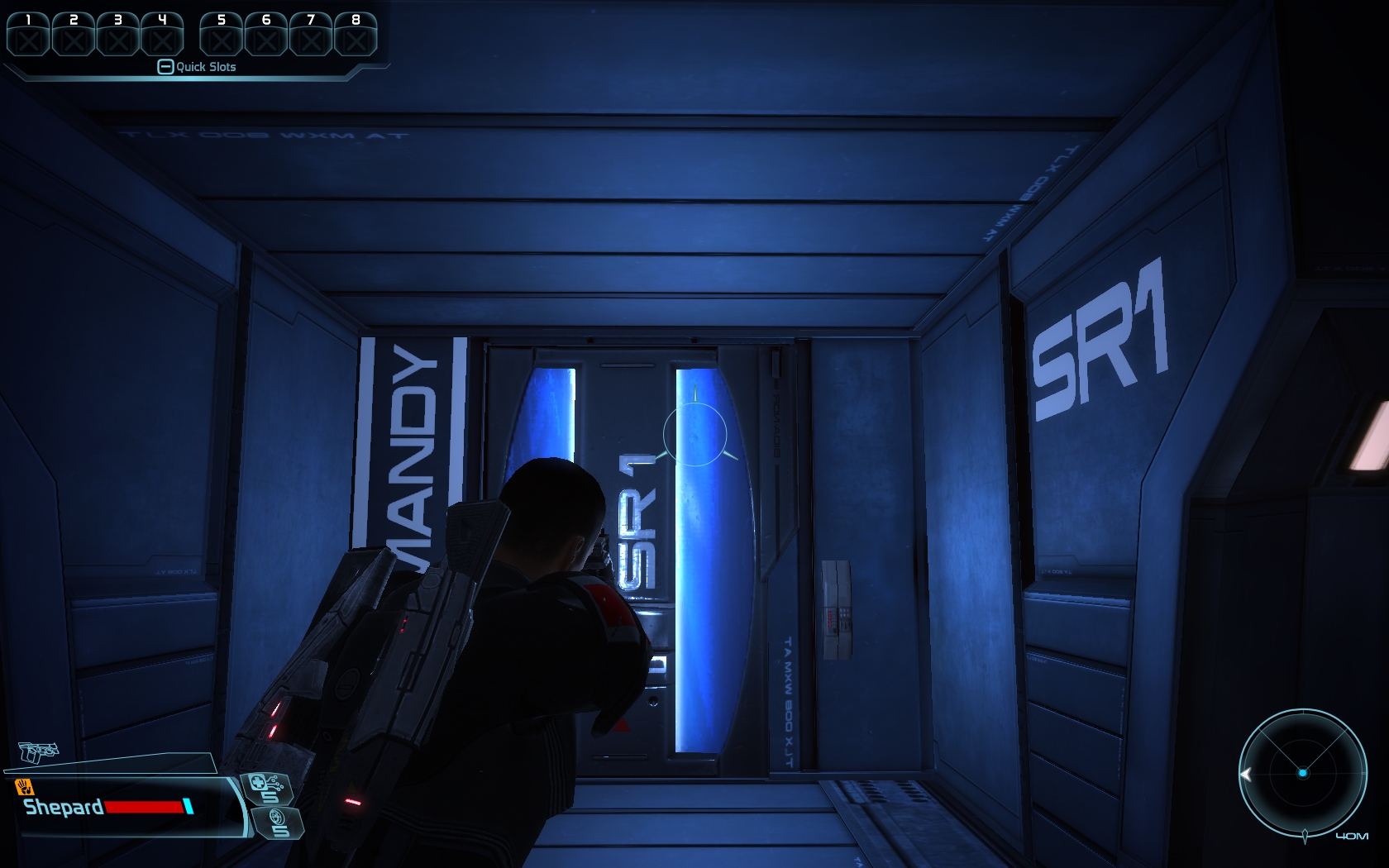
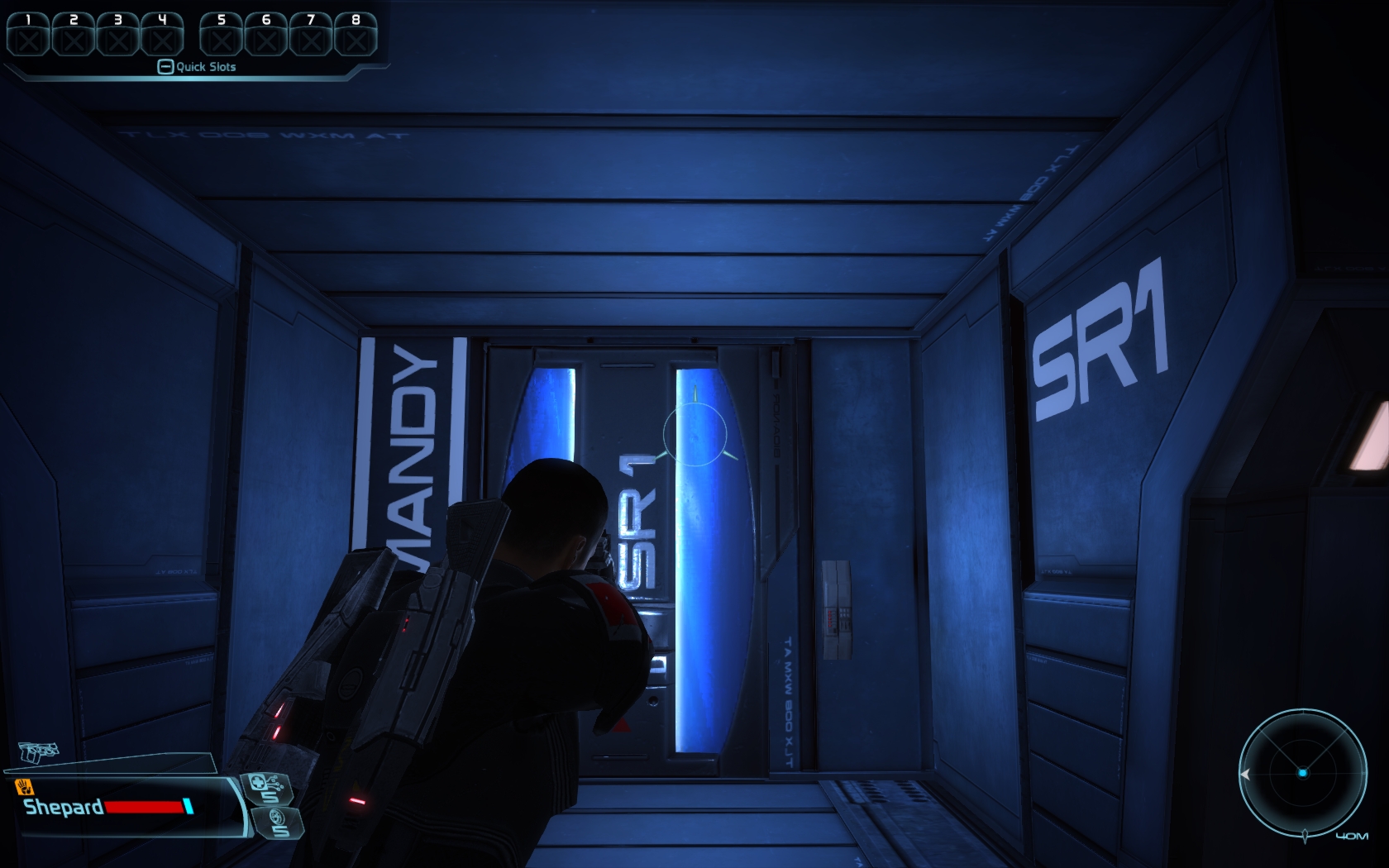
Mass Effect: NoFXAA FXAA
Mass Effect 2: NoAA FXAA
Mafia II: NoAA FXAA
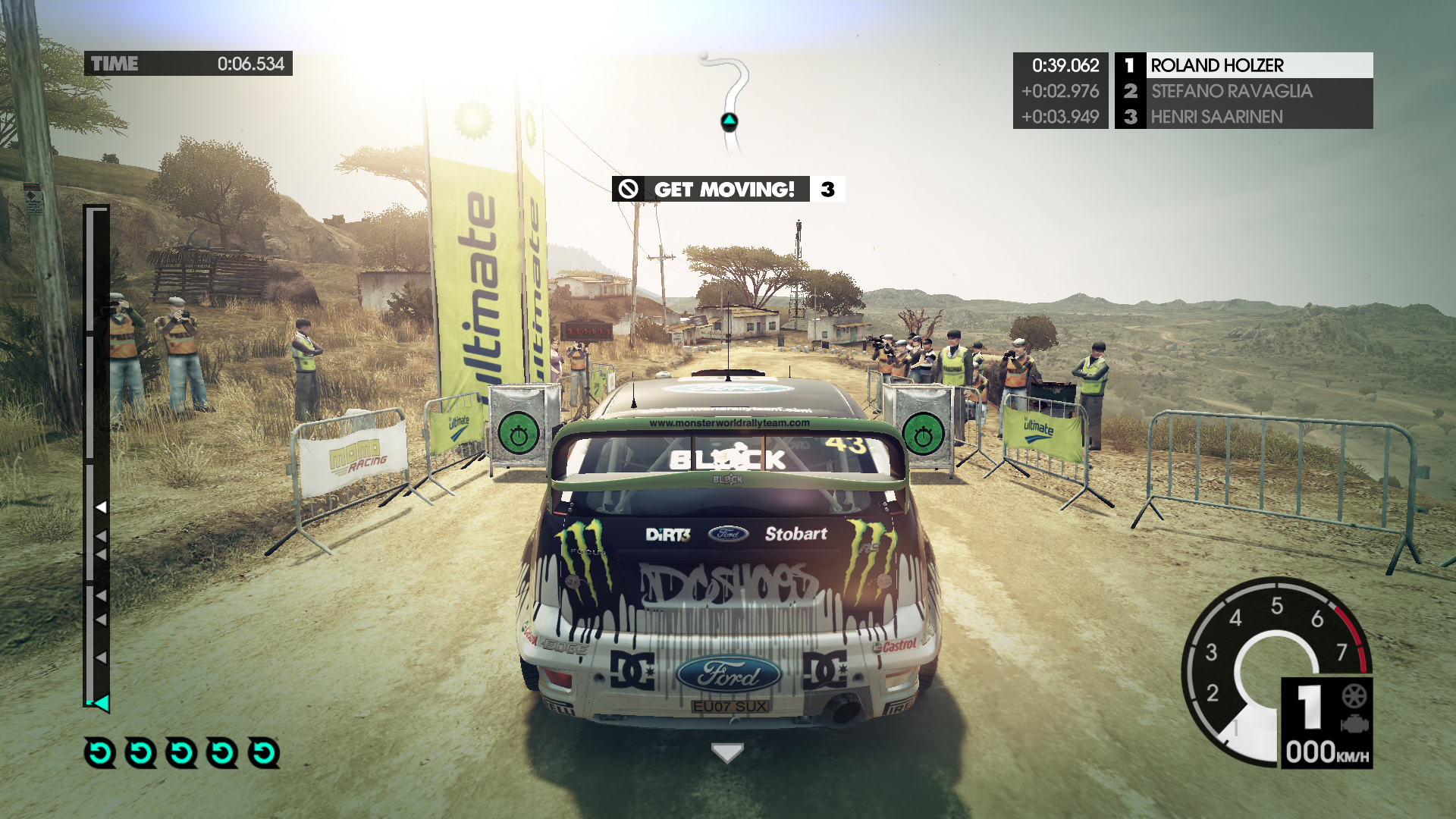
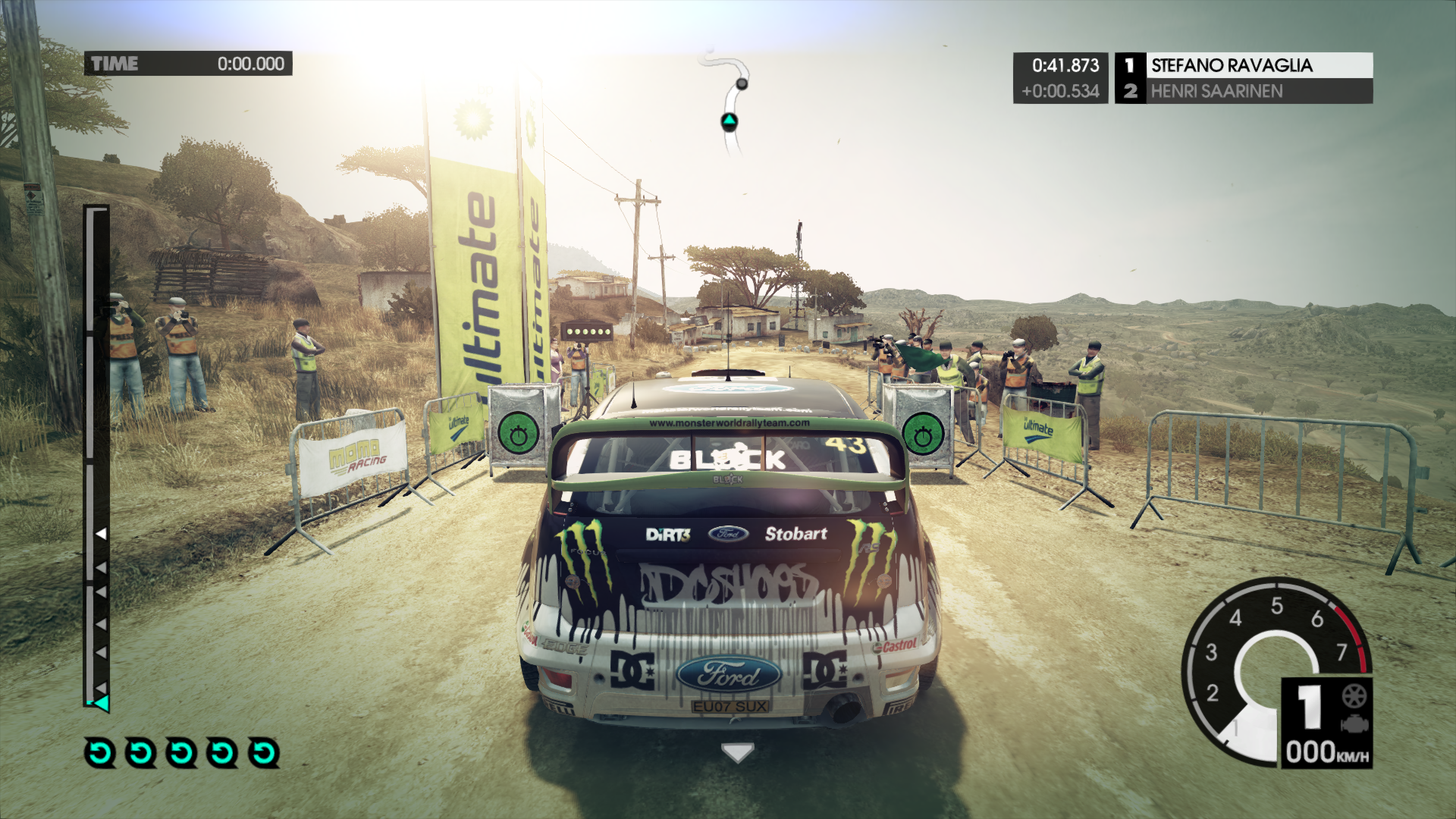
Dirt 3: NoAA FXAADirt 2: NoAA
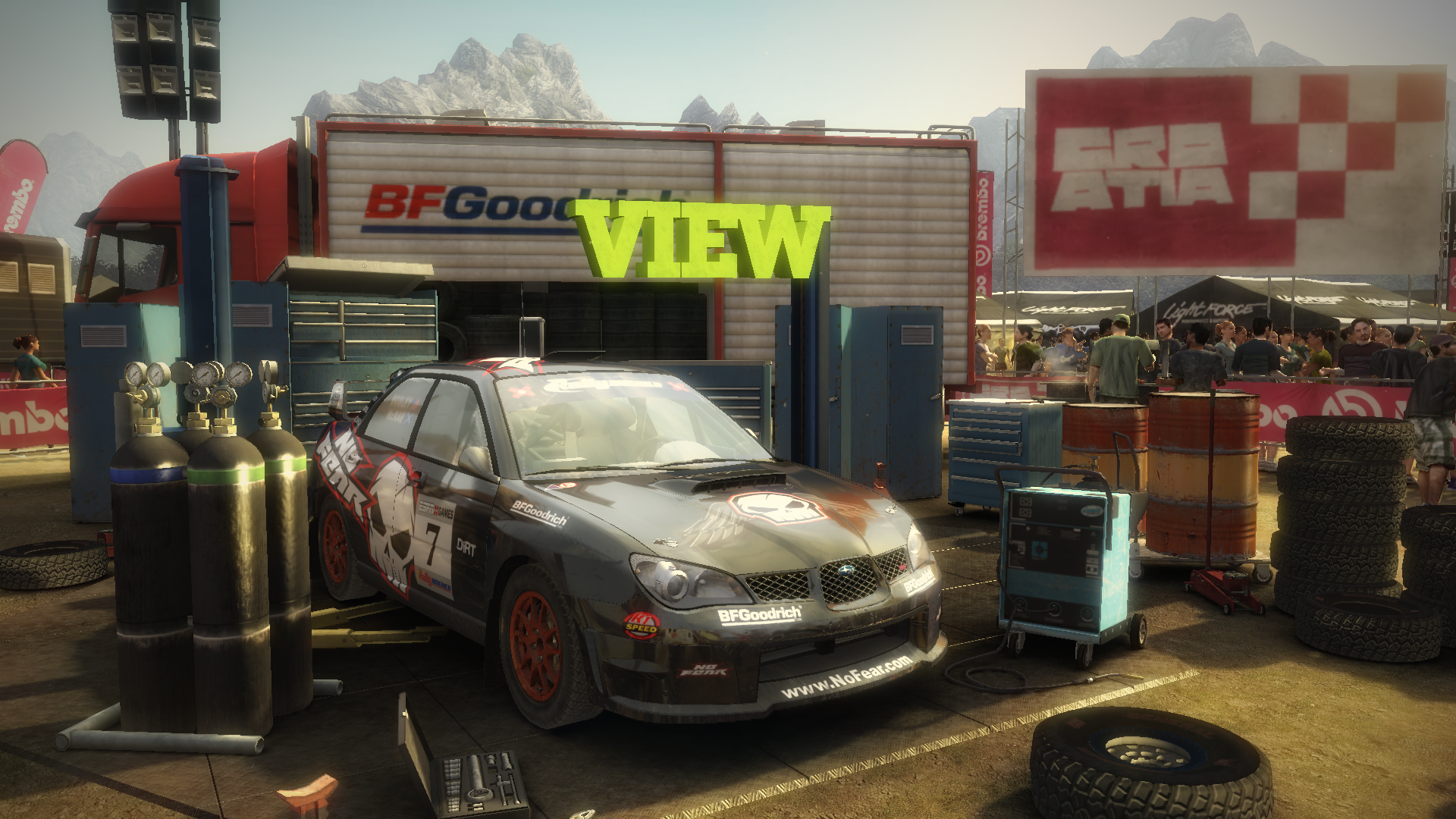
FXAA
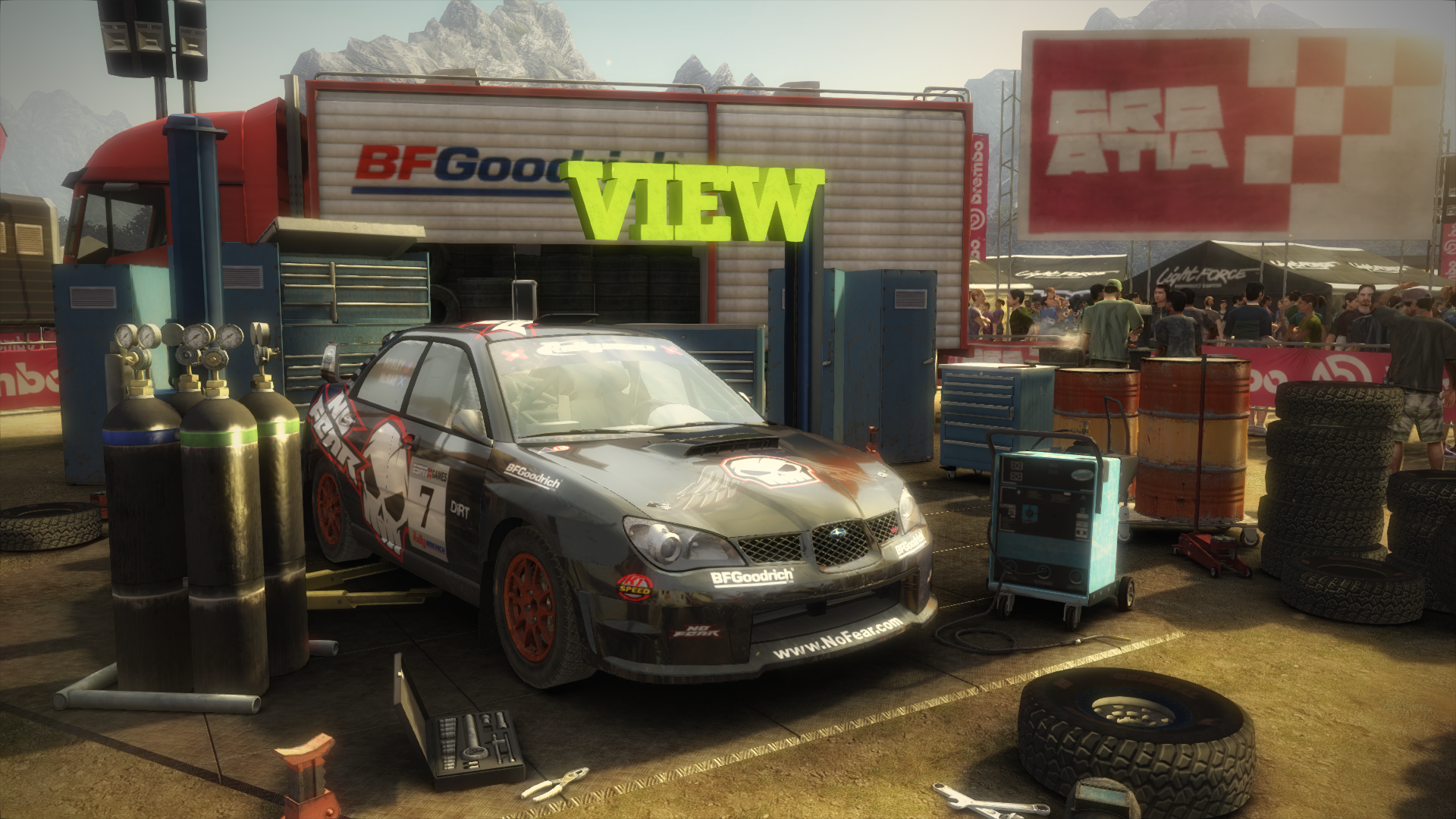
Don't even think about using it online, it may be detected as a hack (it modifies a dll) but for single player, it can give new life to your graphics.
-
Interesting, I will try it to see.
Regards -
Comment on results, please. It doesn't work for all games, I've been able to test it on Modern Warfare 2 and Fallout 3, and the result is more than acceptable considering how limited my laptop's 7600go is when converted to a desktop
 Considering that the current trend is for computing power to grow exponentially, and bandwidth linearly, it's a good compromise for graphics that fall short for AA modes like multisampling.
 -
Can it be tested in almost all games? I will try to test it in battlefield bad company 2 to see, test drive unlimited 2 if that and see what else I have installed, I will try it on modern warfare 2 to see.
-
In principle yes, it should work in almost all games. Keep in mind that since it is a post-processing pass at the end of the image generation, it is not incompatible with "normal" antialiasing, but it can complement it to increase the final quality. In theory it is very similar in image quality to ATI's MLAA, but with better performance and less image distortion.
Graphics with a lot of computing power, but short of bandwidth (most modern ones, whether high-end or low-end) are the ones that can benefit the most from this software.
-
it looks very good.:). I will try it and comment on the results.. by the way, is it enough to leave the files in the root of the game, right? and in the game options, do we disable antialiasing or is it enough to have everything at the 'top'?
thanks for the contribution -
Well, this is nothing more than a full-screen filter, but it's a filter that takes into account luminance variations to detect high-contrast variations, which is where aliasing usually occurs. It's compatible with normal AA, in fact, it's the trend that, thanks to the freedom given by the enormous computational power of modern graphics, these AA techniques will be implemented in the game engine itself in the future, and we won't have to resort to multisampling, which is nothing more than a brute force approximation, although somewhat optimized after so many years of use. Both methods are compatible, and if your graphics allow it, the result is really good, as they complement each other. FXAA works on alpha textures, like tree leaves, which multisampling doesn't touch, but on polygon edges, especially those with low contrast (background color similar to the polygon), it works worse than multisampling.
The advantage is that, in theory, the performance drop is much lower than 4x multisampling, the supposed equivalent of this method in terms of quality. Moreover, being a first approximation, it can be polished and improved with more complex and more efficient filters. This type of approximation to the problem is being used in consoles due to limitations with normal AA methods, and in engines like UE3 due to the way the image is assembled. Almost all current engines are not immediate (that is, the image is assembled in a very limited number of buffers), but are "deferred", with a very high number of "layers", often even of different resolutions, for different effects such as lighting and shadow calculation, normal maps... The problem with multisampling is that it doesn't affect all those layers, so games like mass effect with multisampling barely reduce aliasing, or it's a very costly technique in terms of performance because you have to apply multisampling layer by layer before assembling the image, and there are even engines incompatible with multisampling, while these techniques are applied in the last step, already assembled image, so they are much more efficient in terms of resources.
-
It seems that it is **not** always compatible with other forms of AA, if it crashes, try disabling AA from the game/control panel. GTA4 No AA:
FXAA: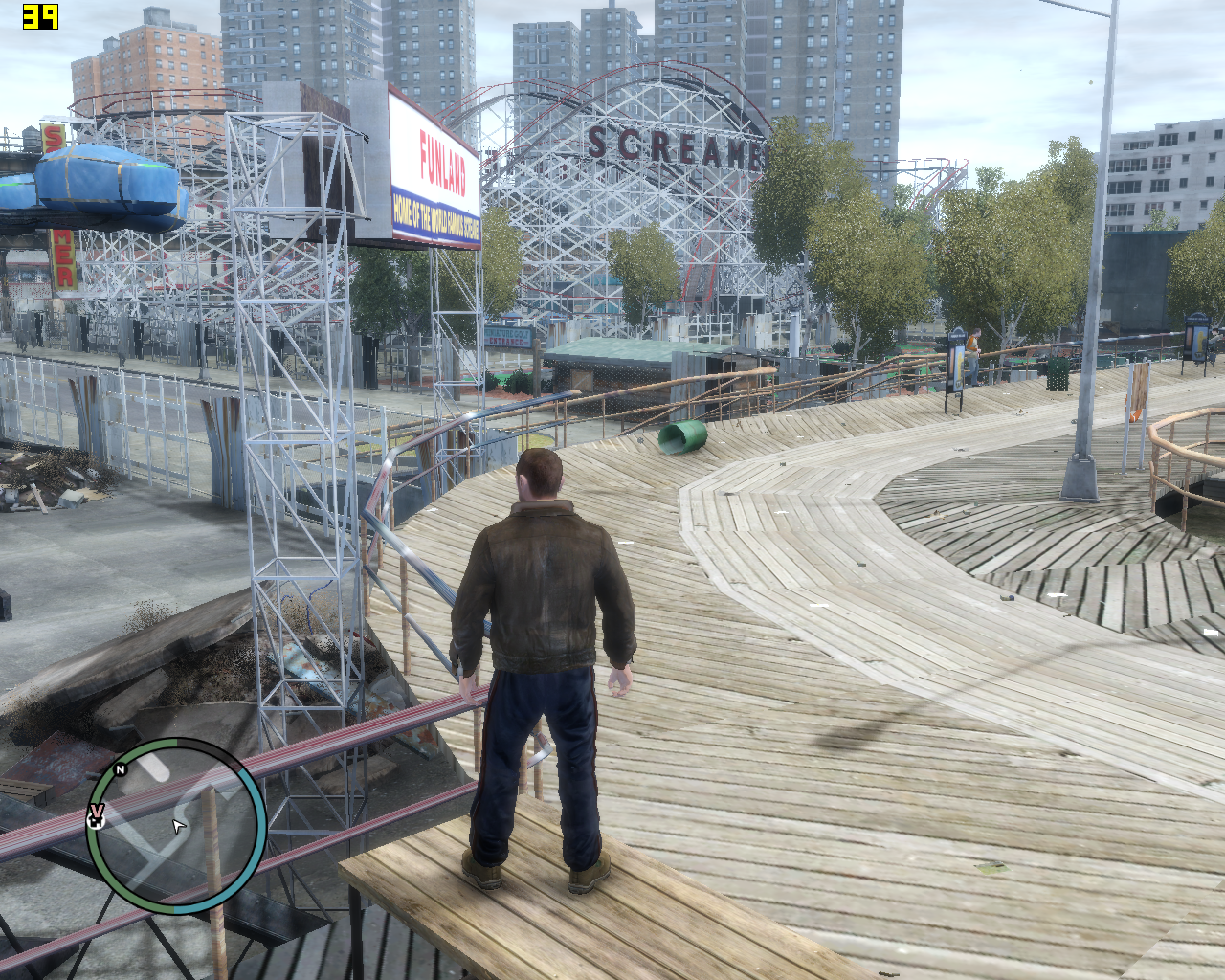
As you can see, it improves the quality of the image, at the cost of a little definition.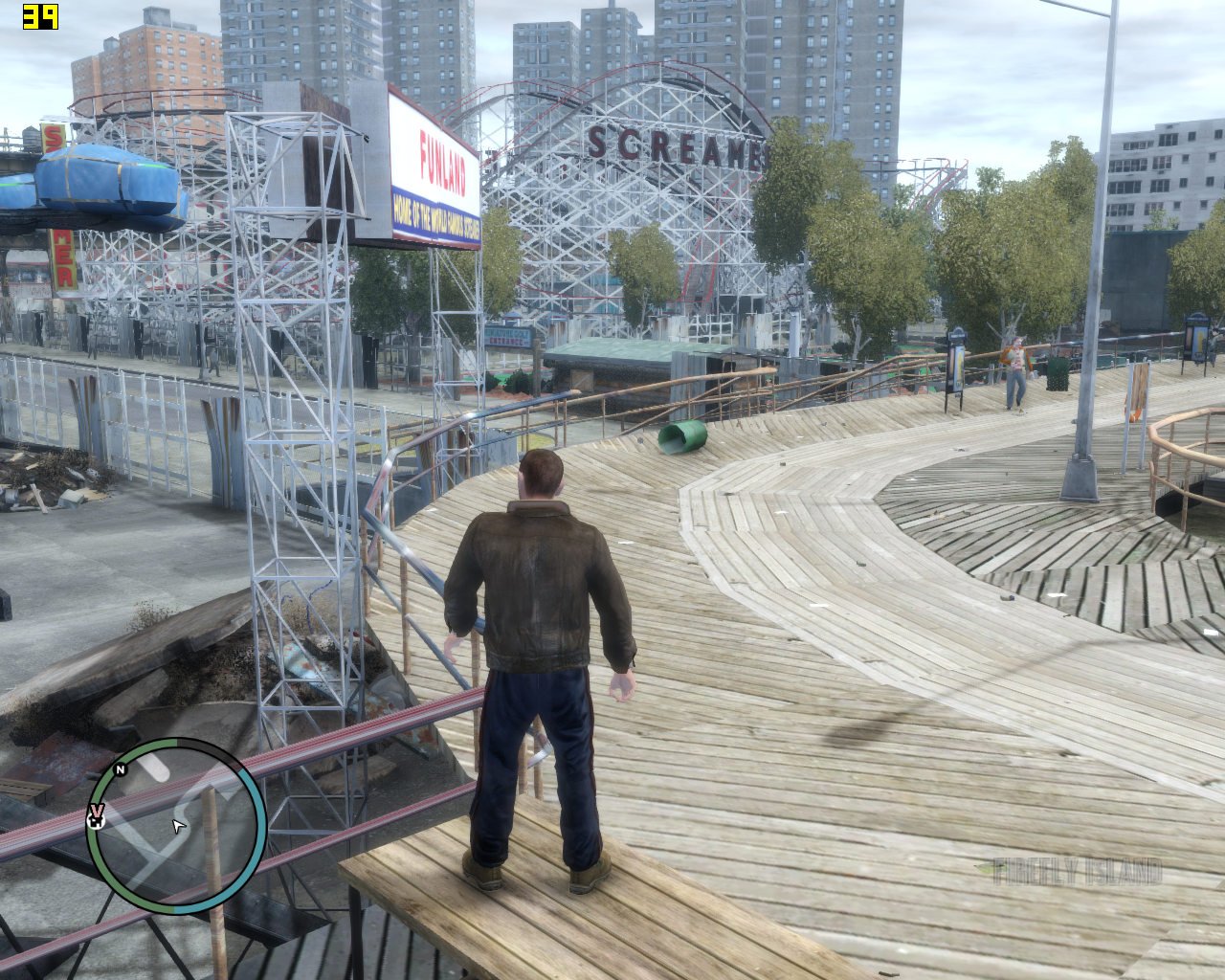
-
I have tried it with bad company 2 and it seems that something improved the weapon, it smoothens a little and looks more luminous but not much, I will try it in other games to see how it goes.
-
Now that I have a 9600M go 512 MB instead of a go 7600 128 MB I will be able to try it out too. First on the front, MW2 tells me that not a chance, it doesn't even start. I will try Dirt2 next, to see how it goes.
-
Well I don't have much game installed I'll try to see tonight if I have time the brink, and I have an RTS the command and conquer, the mw2 doesn't work for you so that was my next option.
-
Very interesting the example of GTA IV because it is a game that has no way to activate AA.
Toda la actualidad en la portada de Hardlimit
Mis cacharros -
Well yes it works on MW2, it was my fault for not updating DirectX, which has a clean install of Windows7. The next test, Bioshock, and it seems to work, from what I have read. The funny thing is that this should work in almost all games, including those that do not allow traditional AA. PS: it blurs very slightly, less than ATI's MLAA, and the quality is quite good
-
And how about the performance? Does it improve in heavy games like Metro or Crysis?
-
I don't know, to be honest I haven't tried it. Does anyone dare?
PS: I see it as more useful for games where it's not possible to activate AA, like Bioshock or GTA4, than anything else.
-
well I've tried it and it seems like a good invention, although I'm not completely convinced by the way the image is blurred
-
Fallout 3 nothing, but Oblivion yes. I left GTA4 installed, to see how it goes.
-
Based on the FXAA software, a new method has emerged, which improves quality with similar performance. Based on a type of AA called SMAA (SMAA: Enhanced Subpixel Morphological Antialiasing) and developed at the University of Zaragoza, this type of AA improves significantly over FXAA in the problem of blurring.
The project page is as follows: mrhaandi's crypto corner: injectSMAA and the installation is the same as in the case of FXAA.
-
Let's see what they say, I will wait to test everything with bf3 when I have SLI and can play it in ultra, I will put this in.
Thanks and regards. -
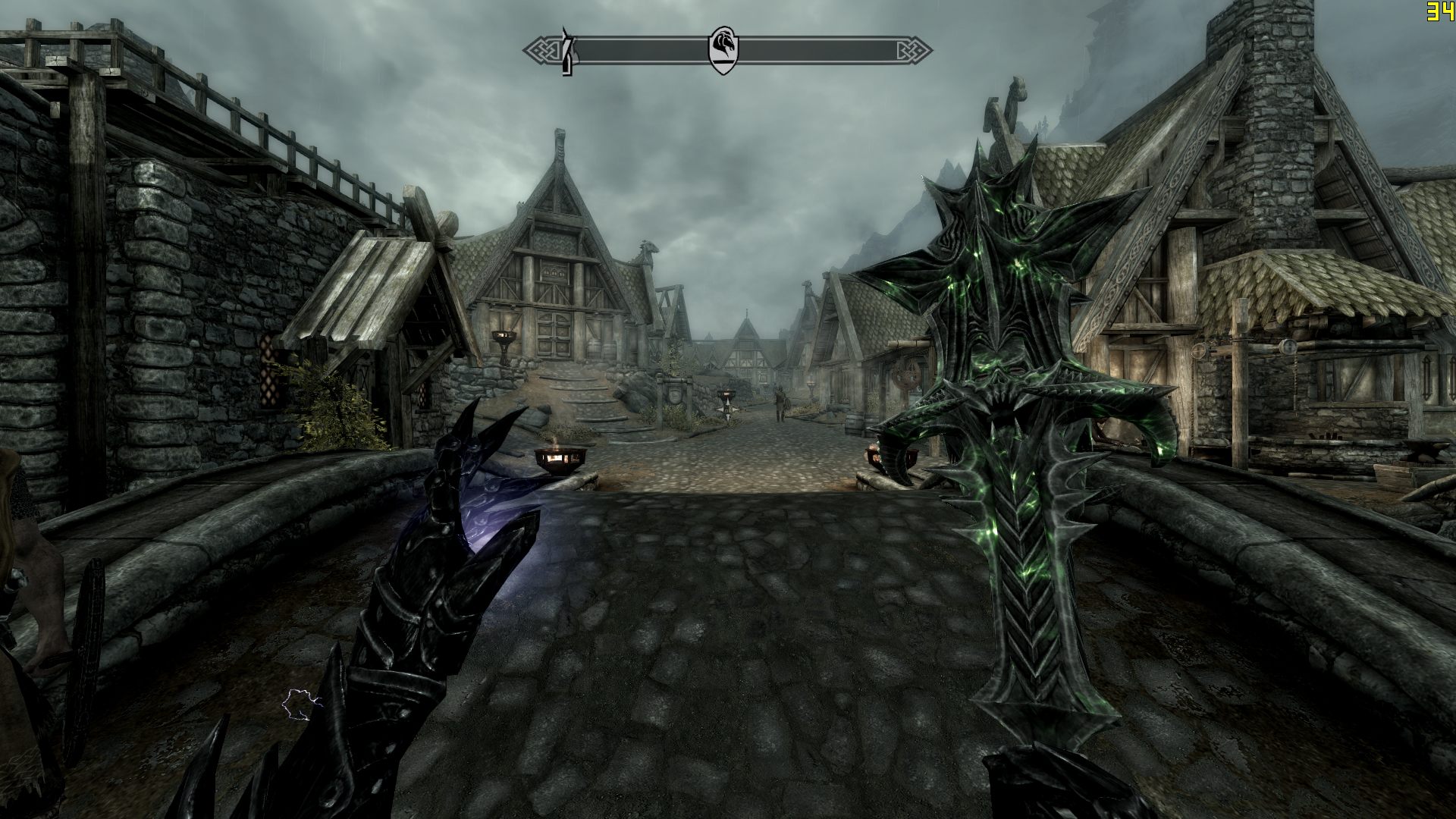
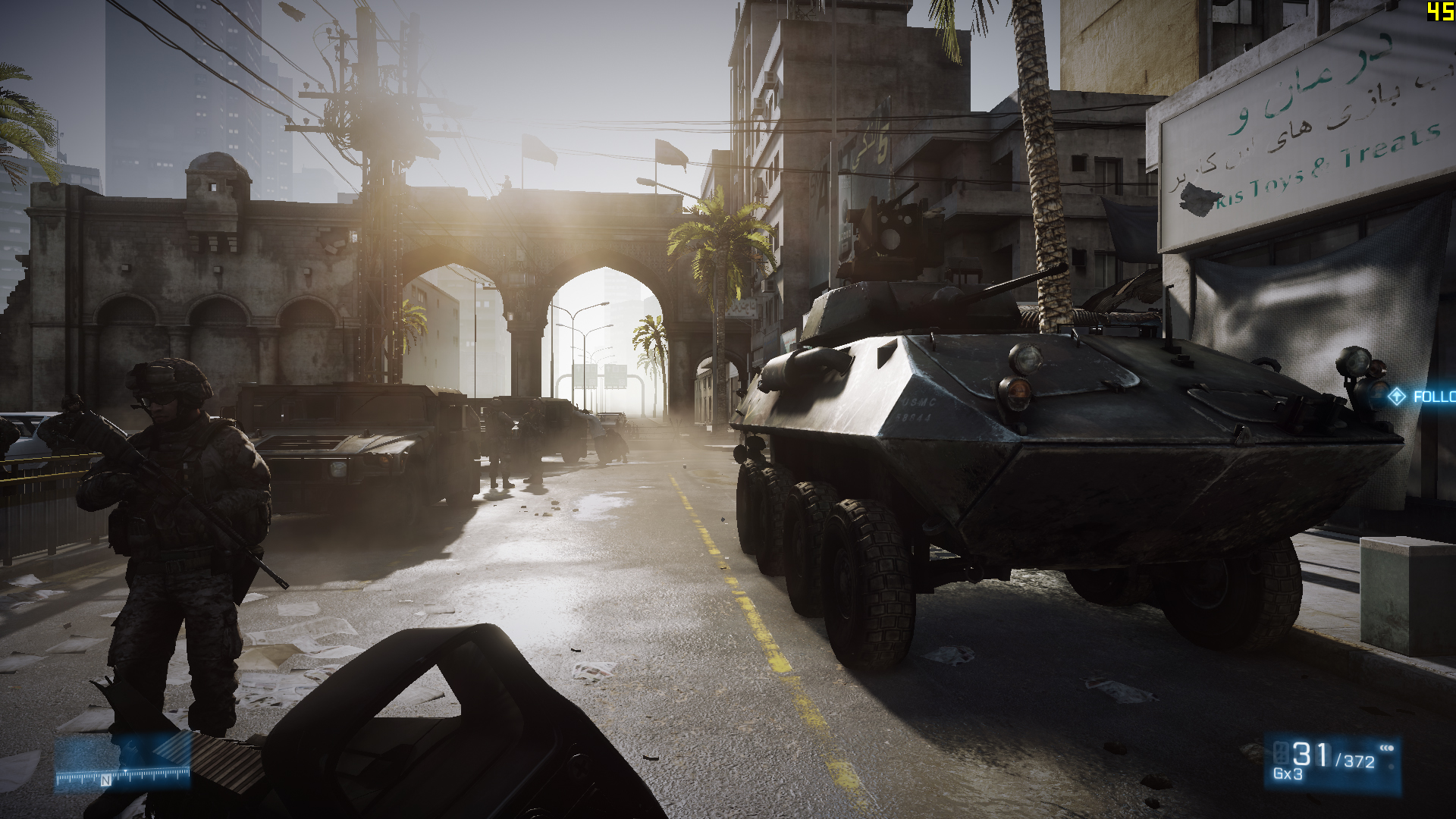
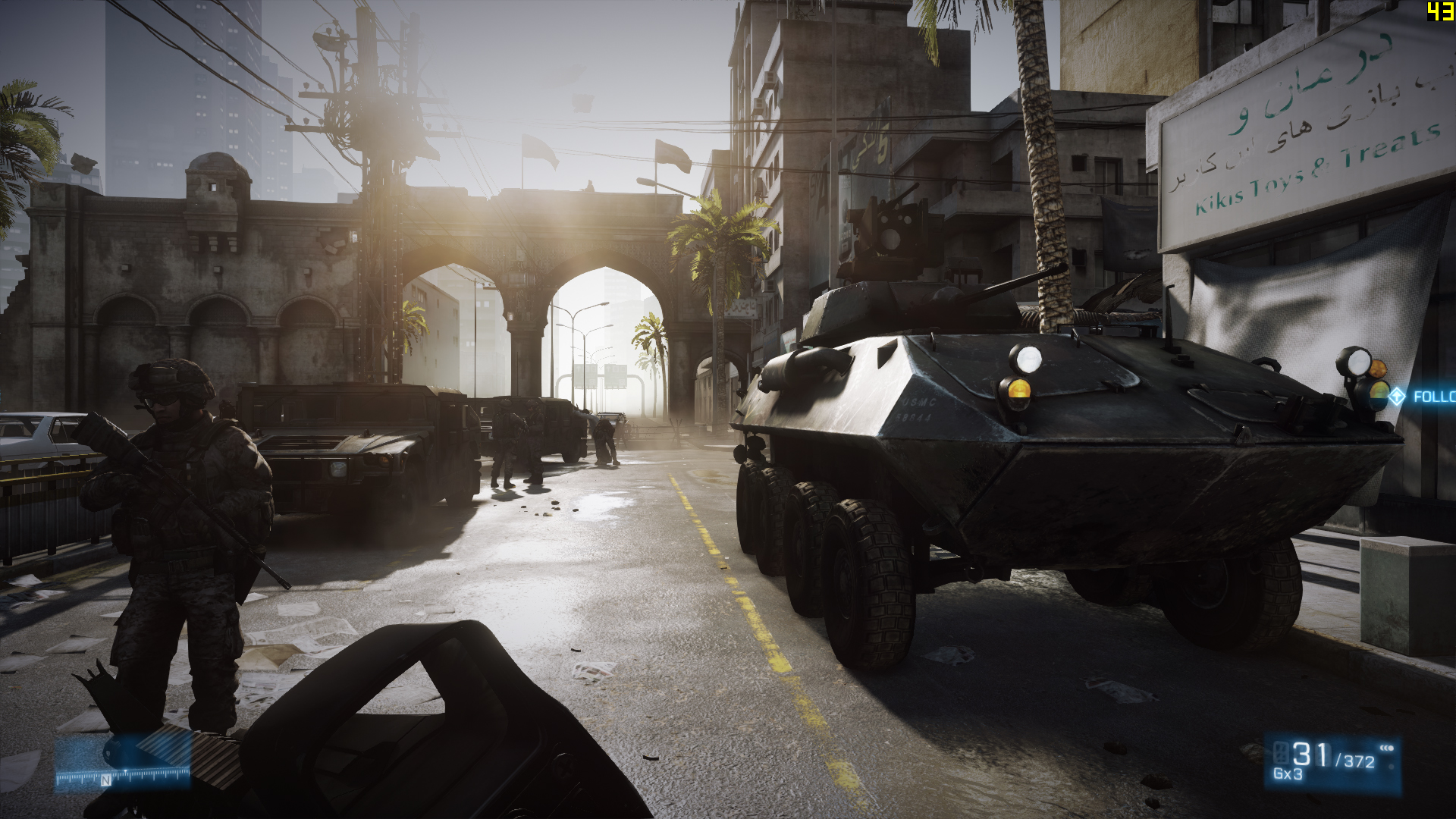
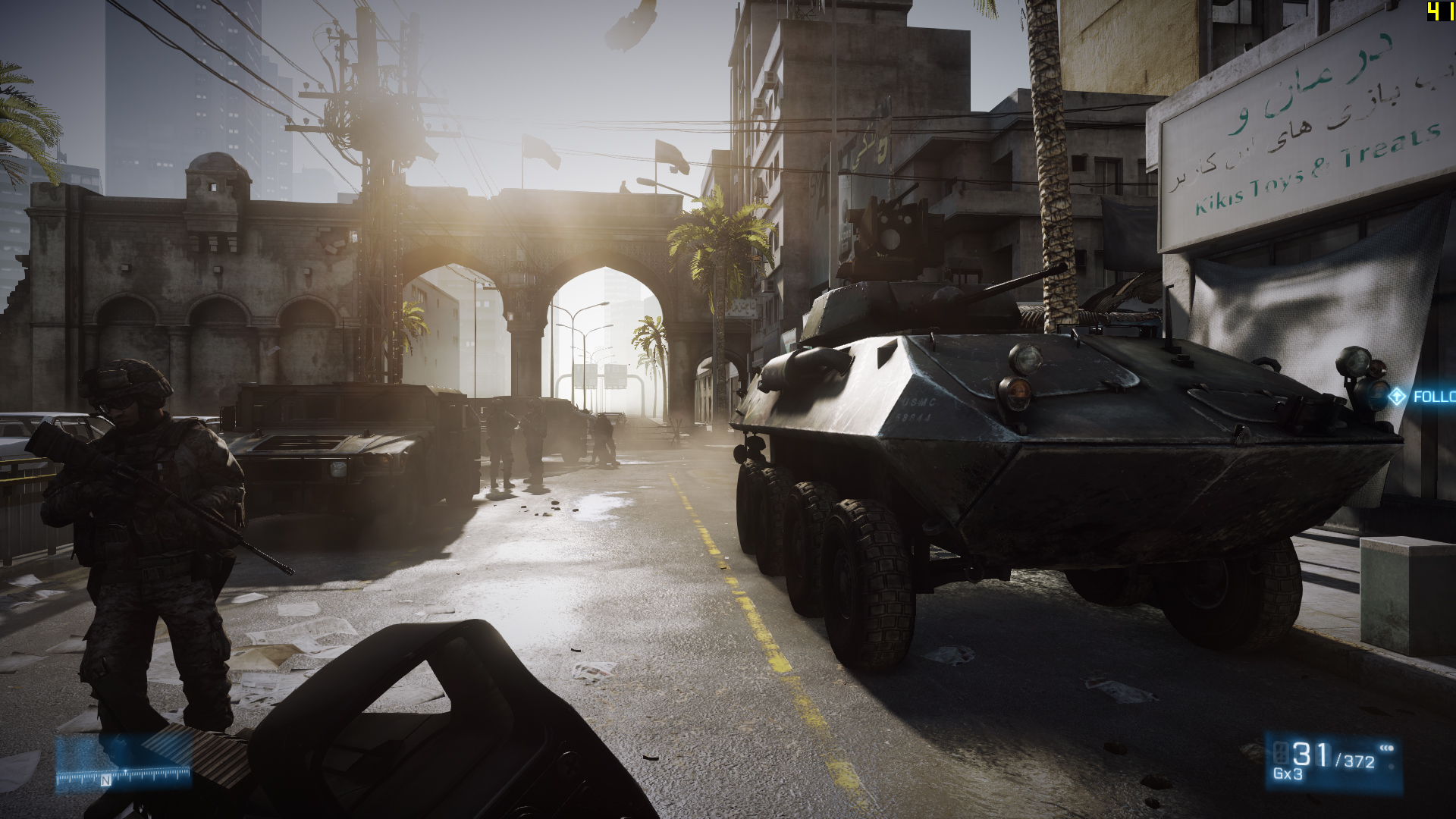
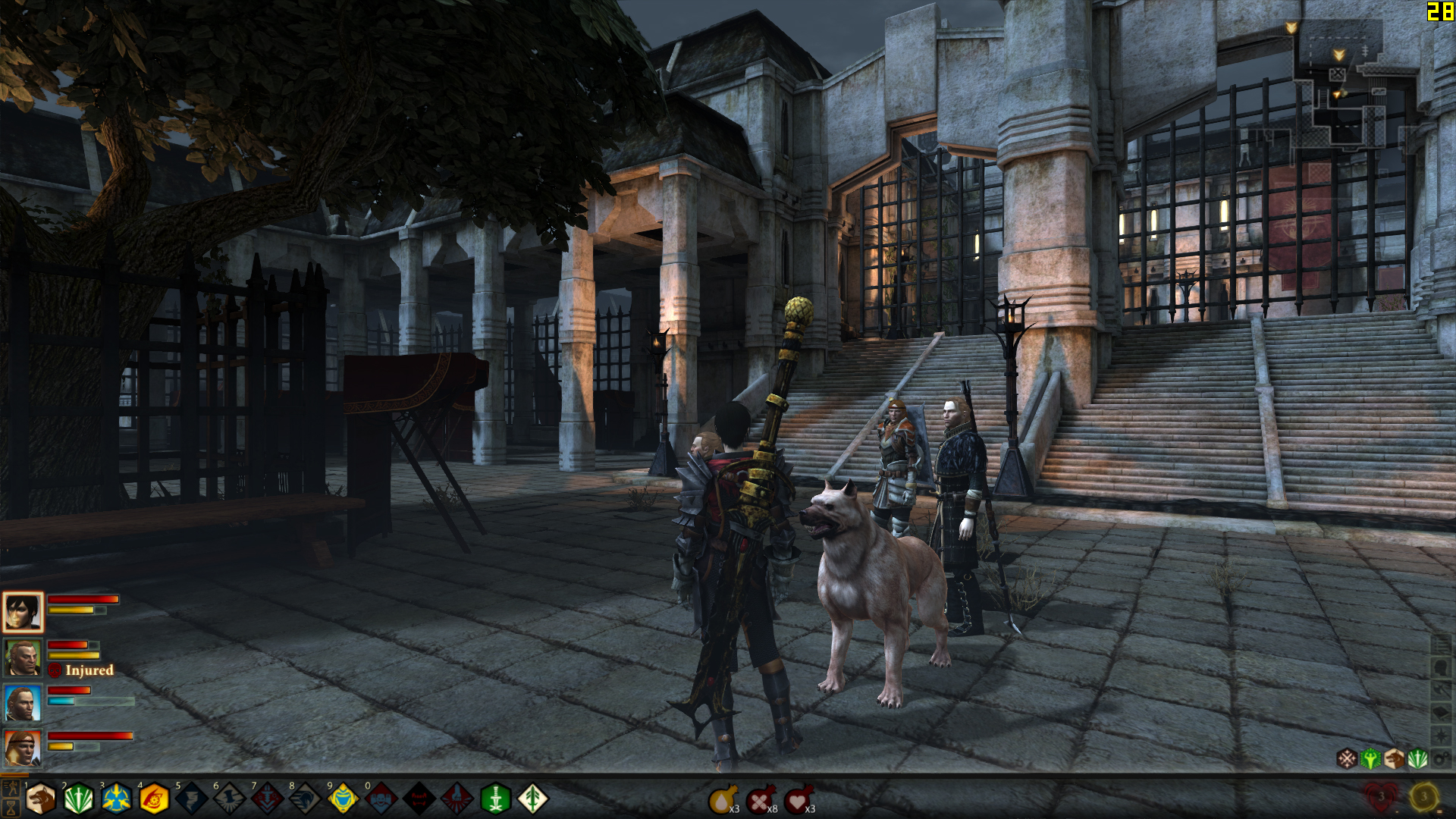
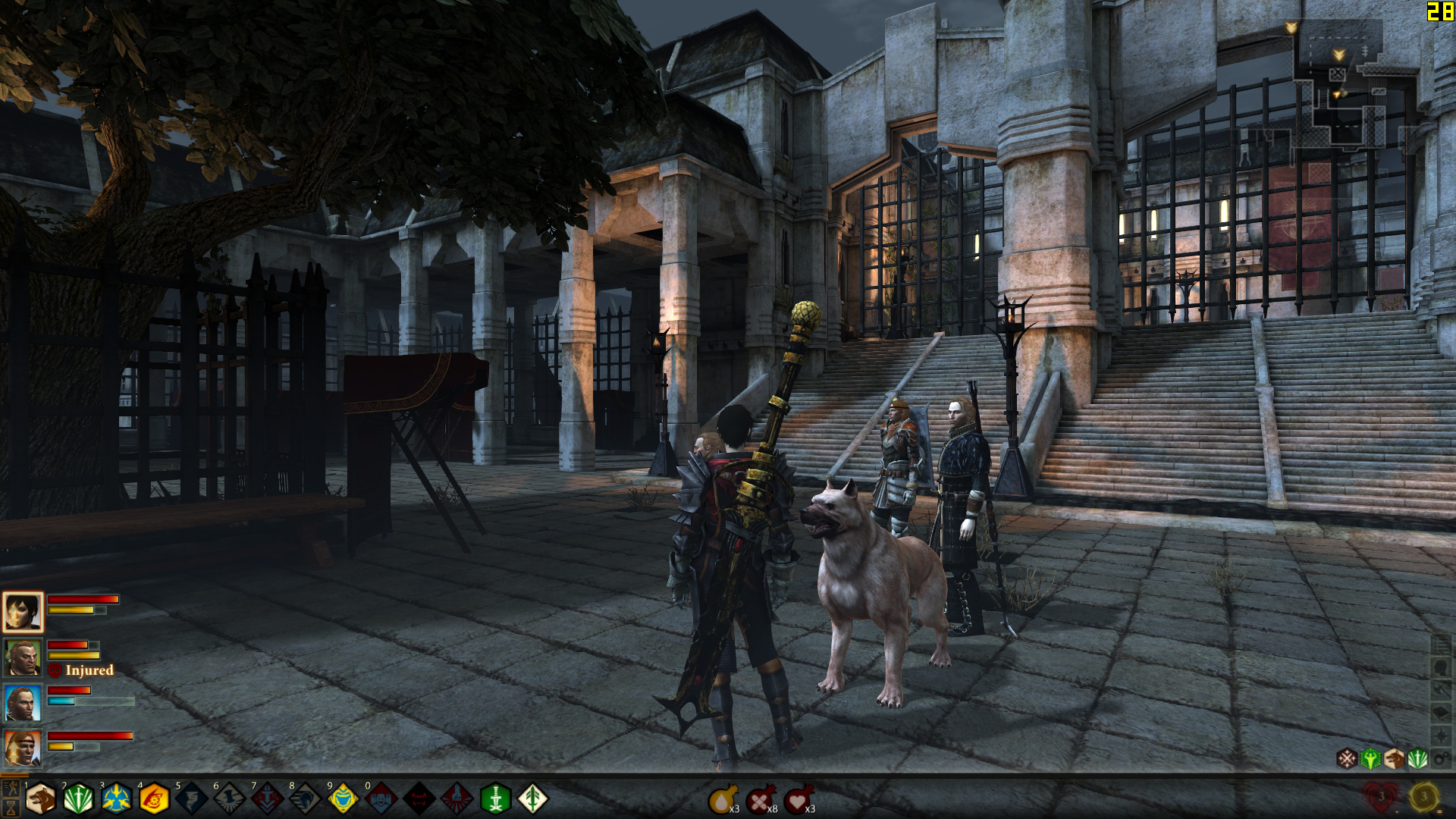
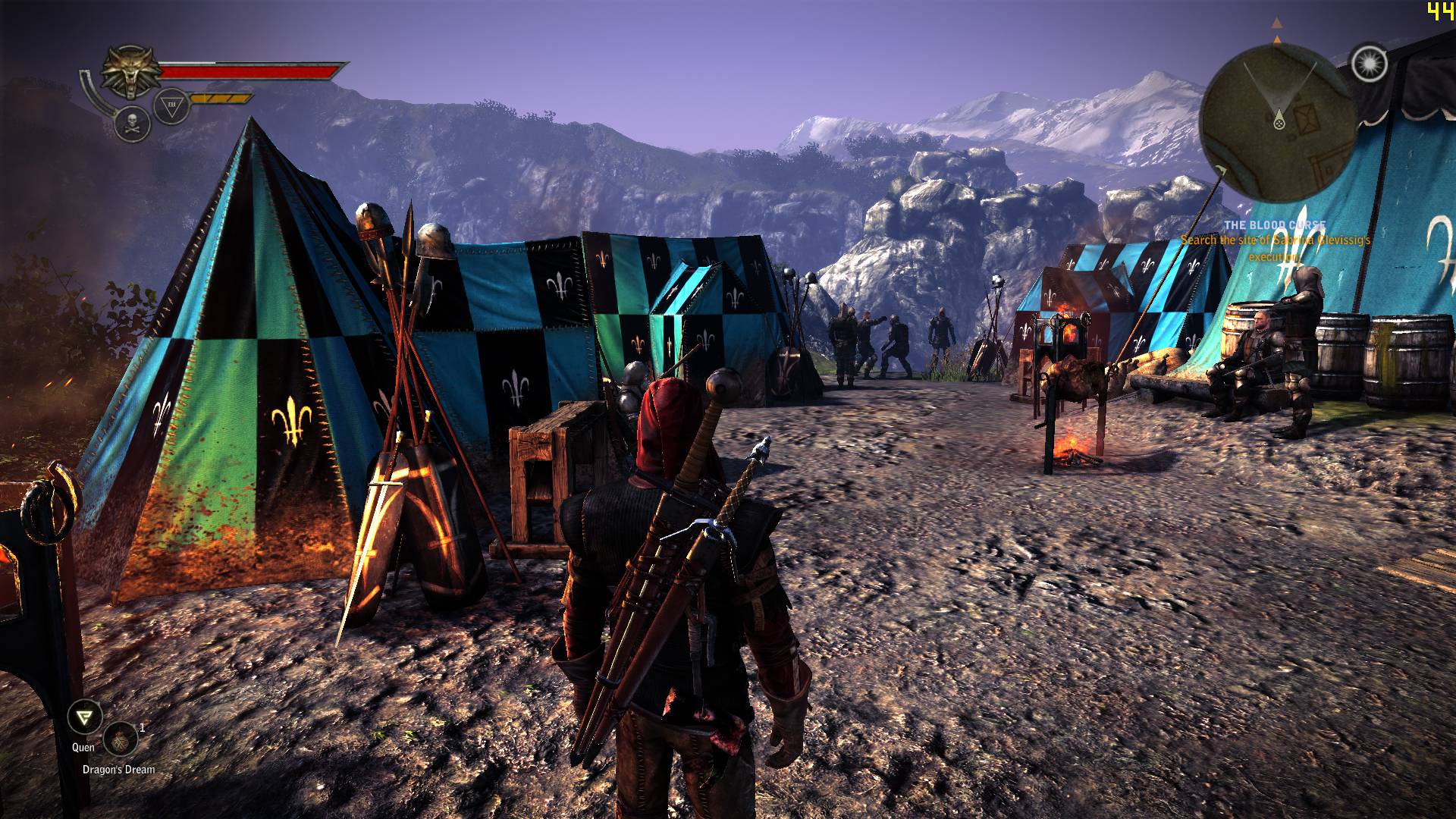
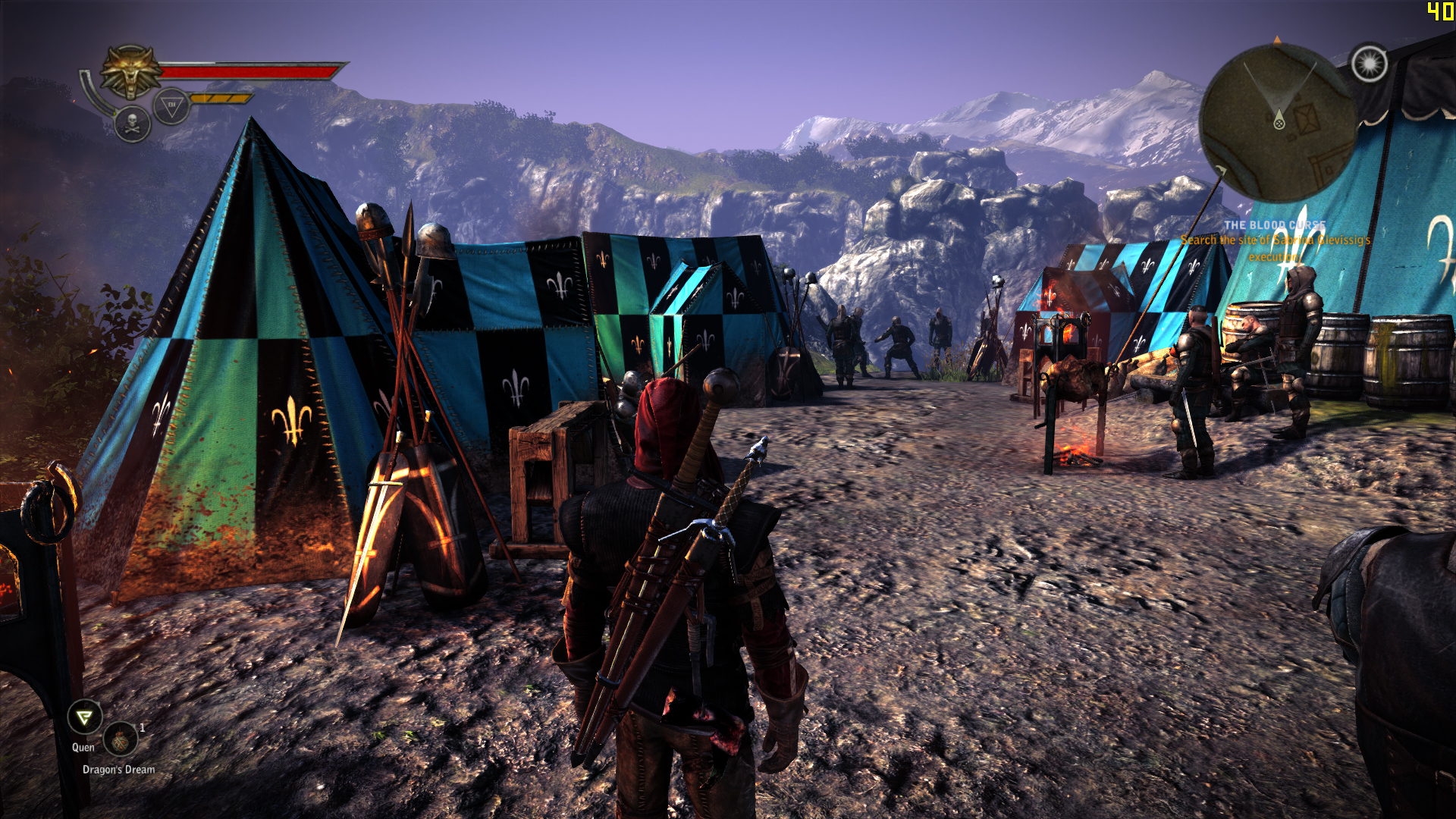
Some screenshots for comparison:
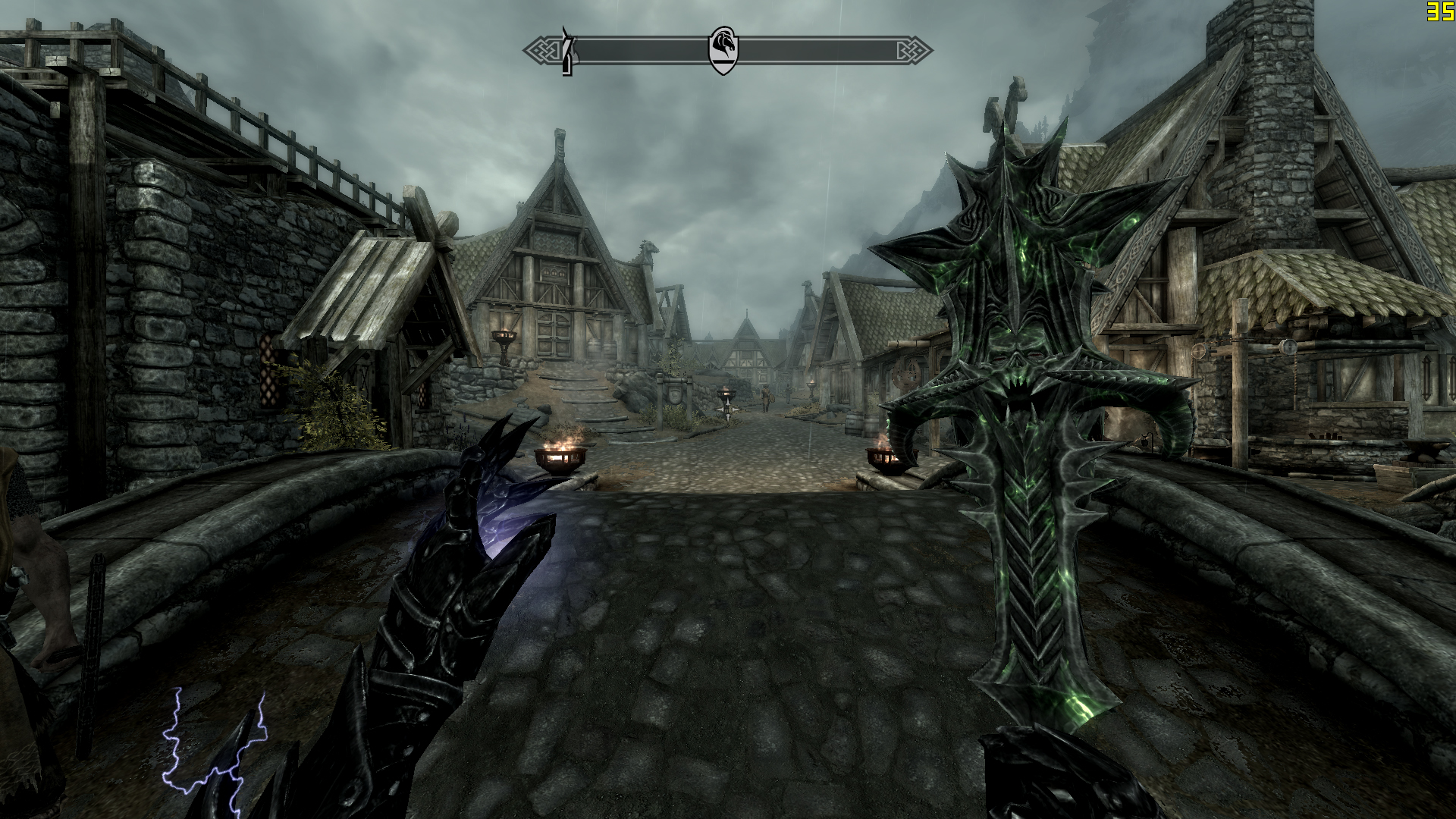
Skyrim_NoAA Skyrim_FXAA Skyrim_SMAA
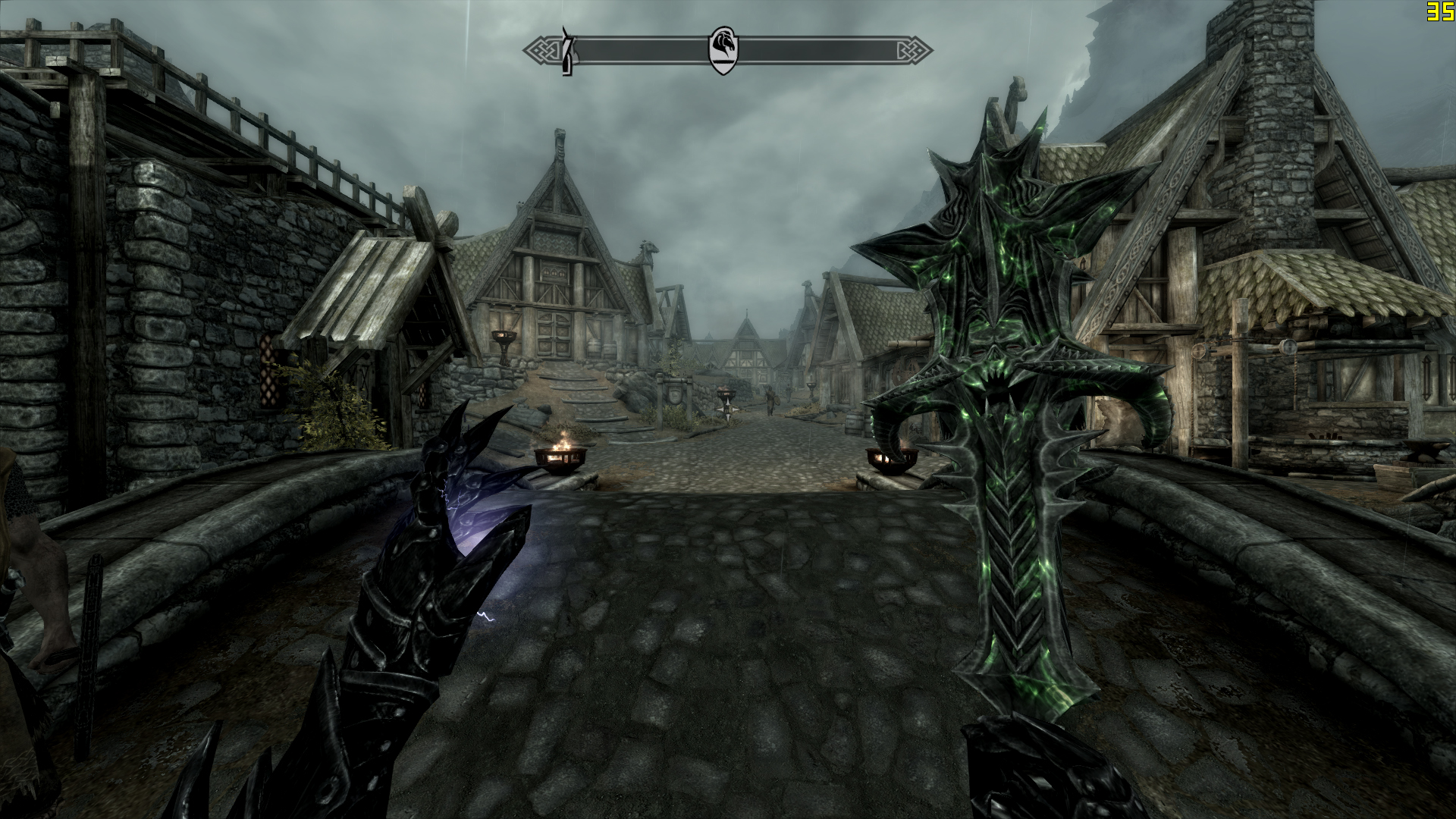
Skyrim2_NoAA Skyrim2_FXAA Skyrim2_SMAA
Battlefield3_NoAA Battlefield3_FXAA Battlefield3_SMAA
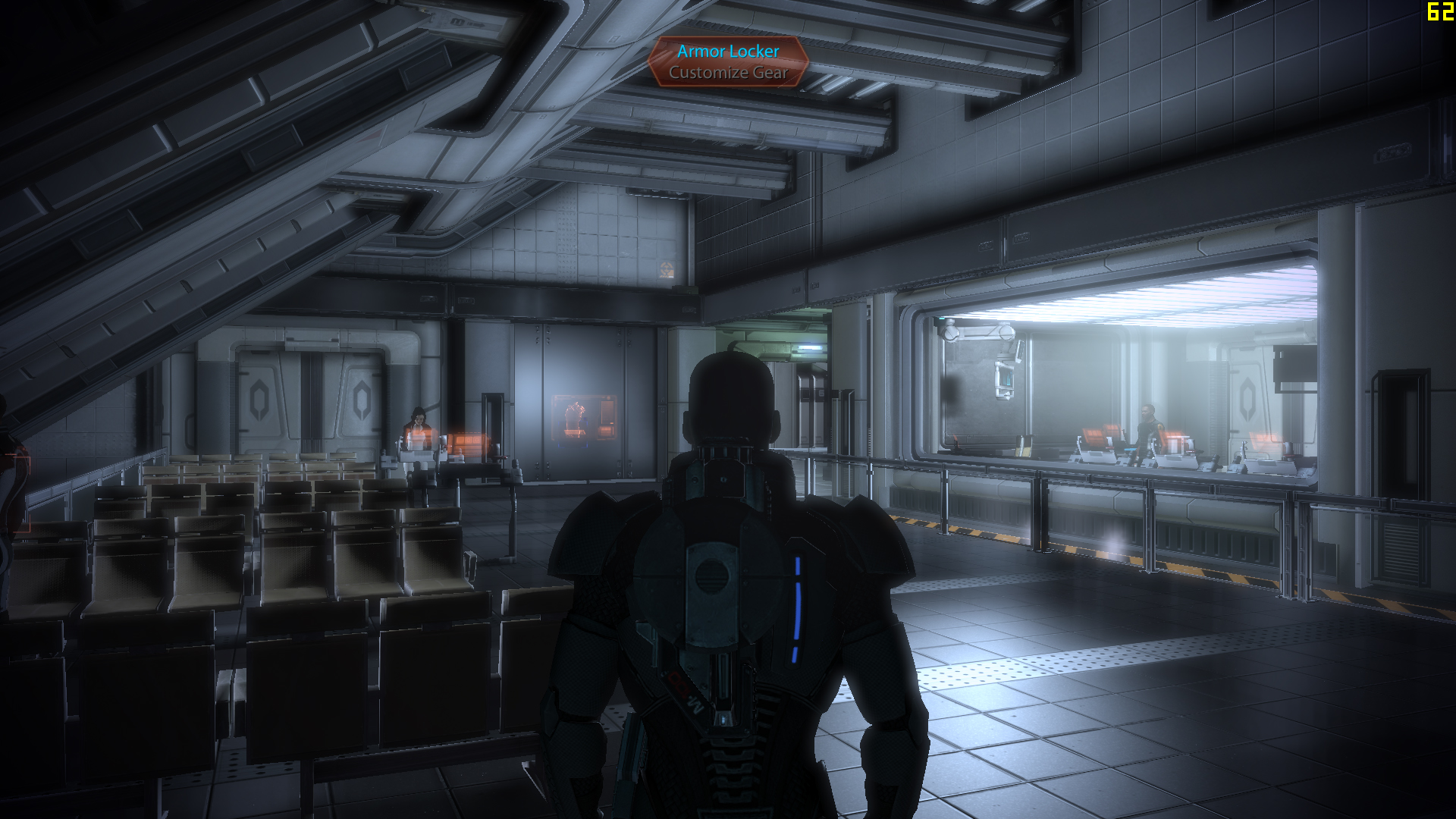
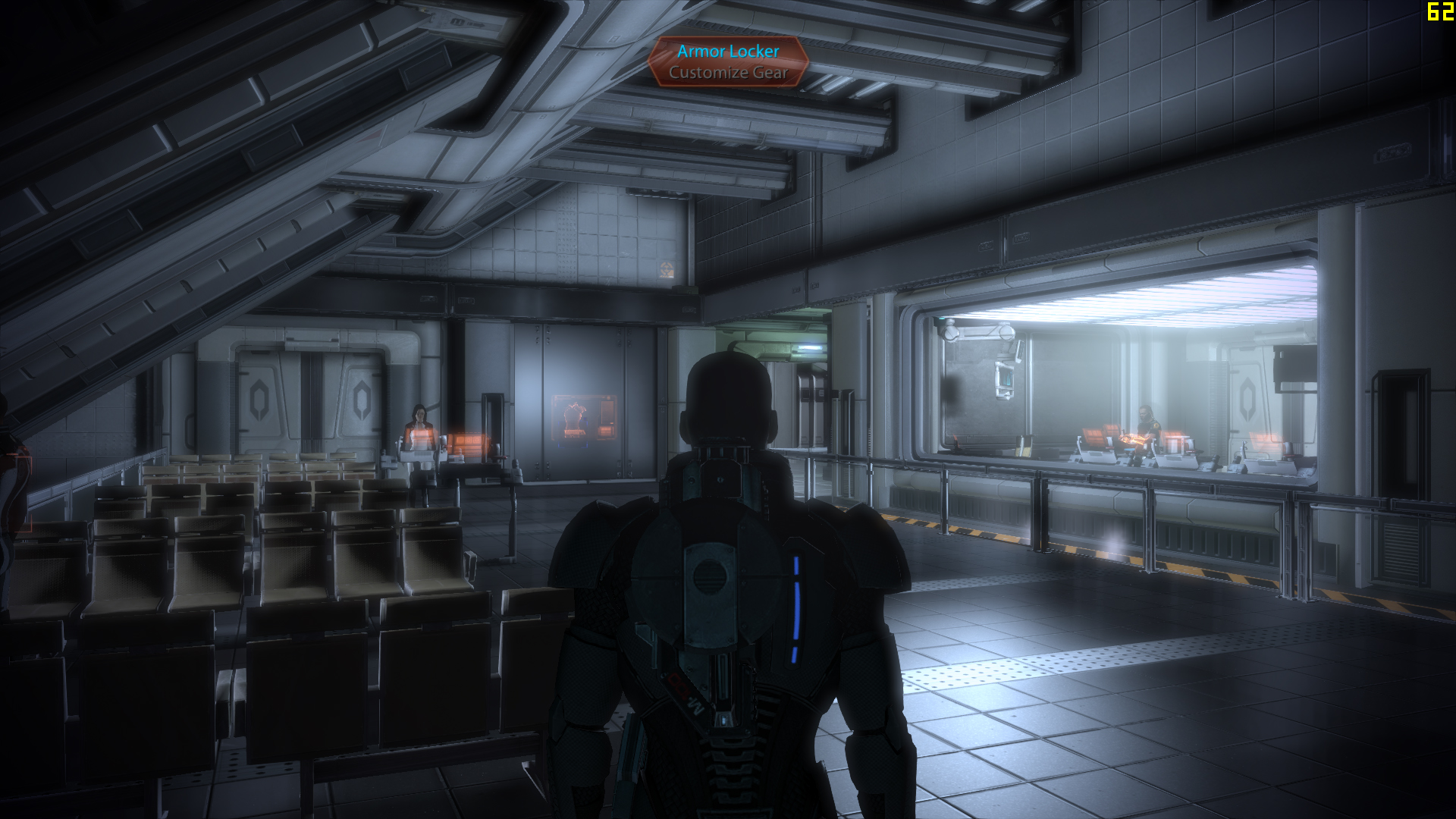
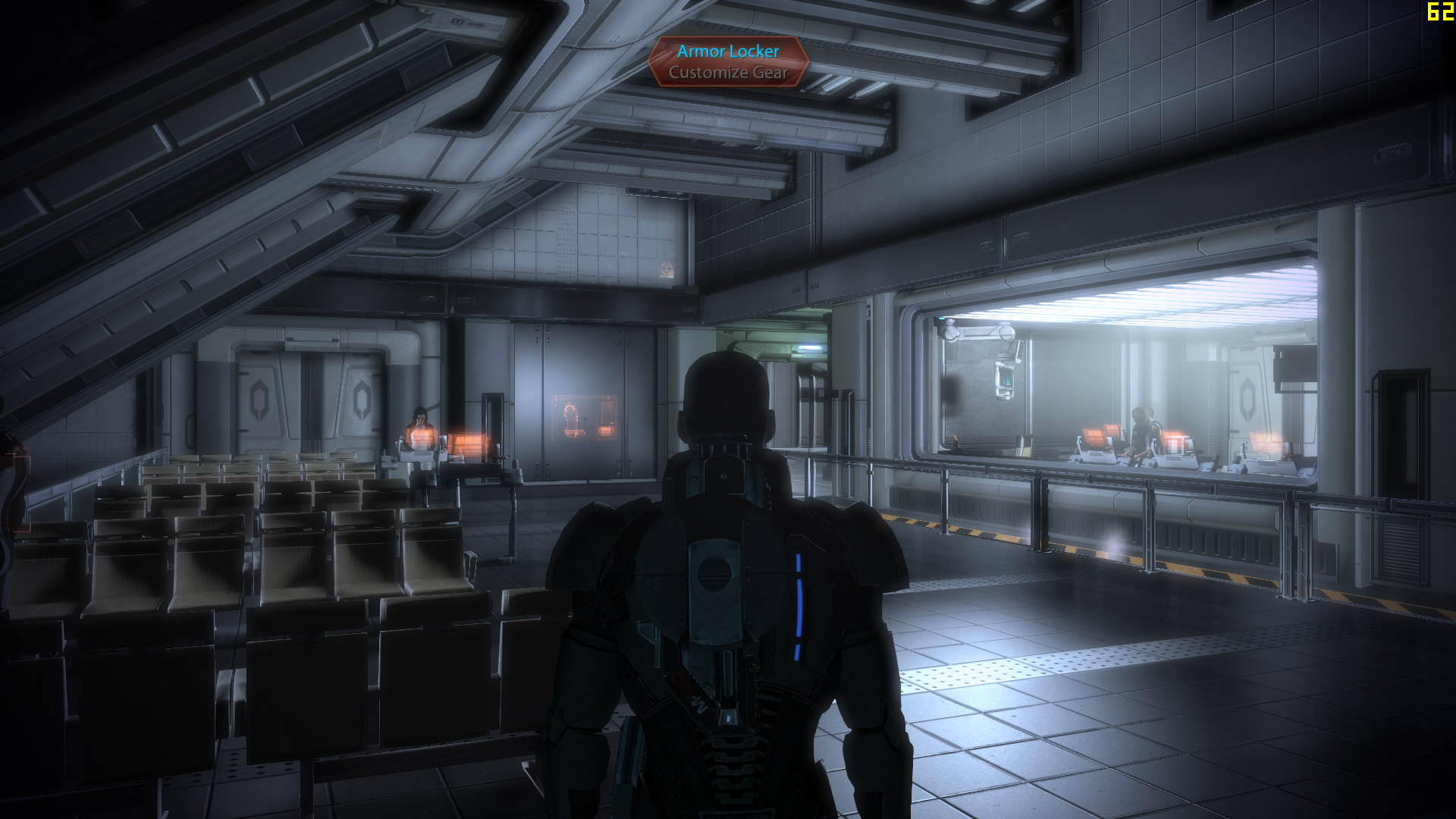
MassEffect2_NoAA MassEffect2_FXAA MassEffect2_SMAA
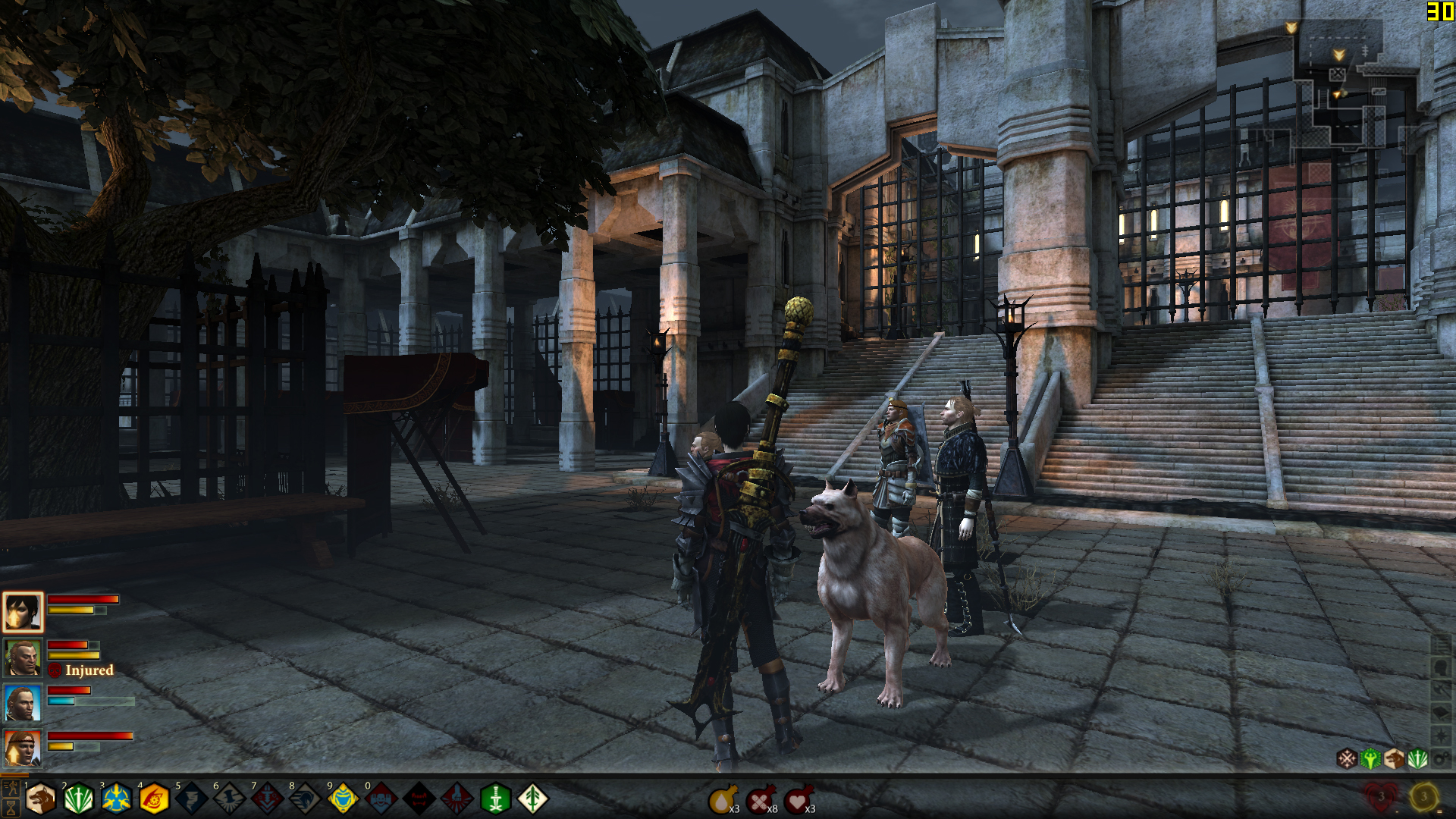
DragonAge2_NoAA DragonAge2_FXAA DragonAge2_SMAA
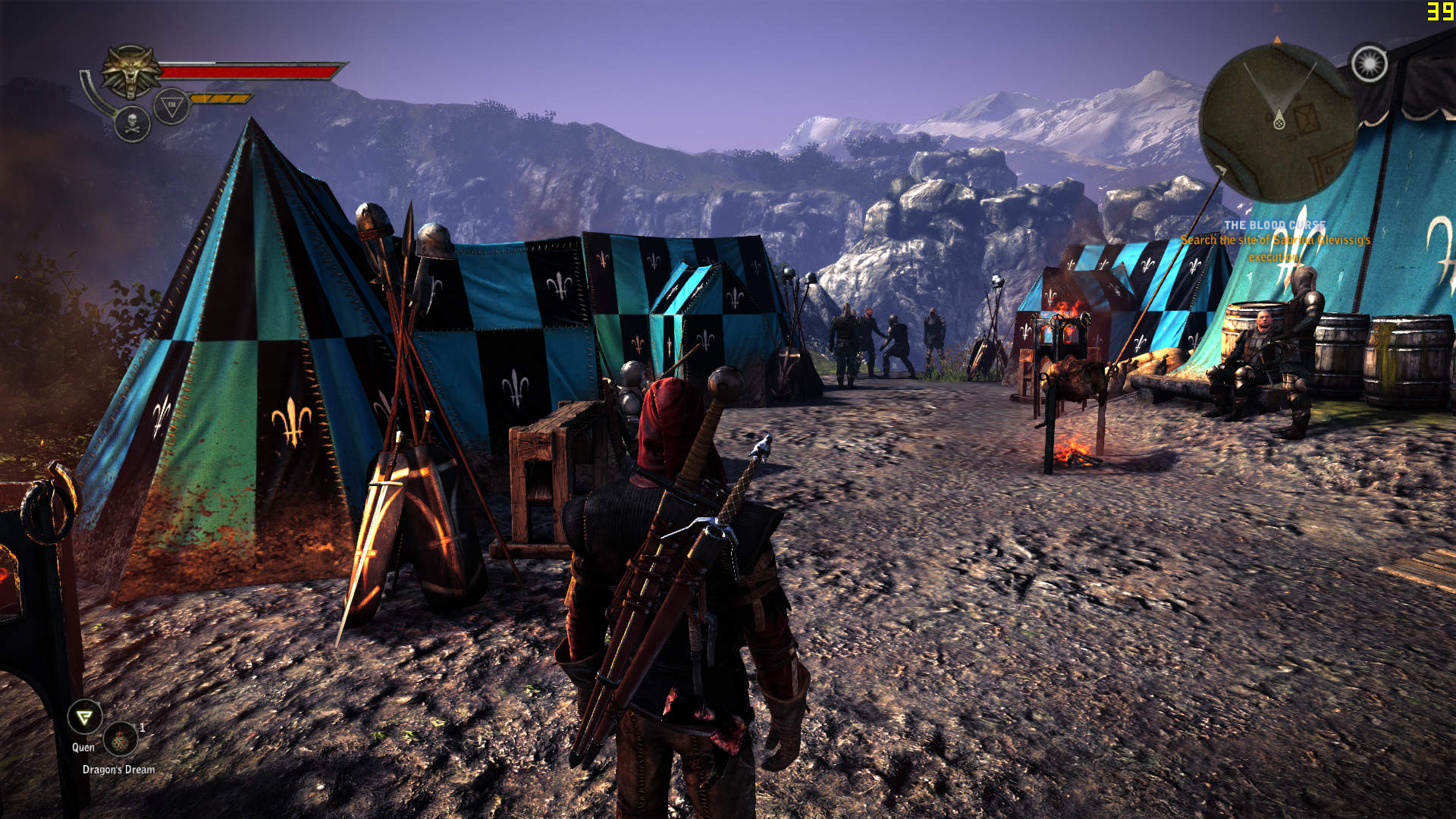
TheWitcher2_NoAA TheWitcher2_FXAA TheWitcher2_SMAASMAA 1x a little slower in the tests but I think it looks much better than in the case of FXAA.. besides SMAA does not add the extra blur, or at least it is not as blatant as with FXAA..











Hello! It looks like you're interested in this conversation, but you don't have an account yet.
Getting fed up of having to scroll through the same posts each visit? When you register for an account, you'll always come back to exactly where you were before, and choose to be notified of new replies (either via email, or push notification). You'll also be able to save bookmarks and upvote posts to show your appreciation to other community members.
With your input, this post could be even better 💗
Registrarse Conectarse