Virtual servers with Apache
-
This thread is part of the guide to set up a server on Debian.
Remember that the content of Hardlimit is under a Creative Commons license.
Procedure
As root:
nano /etc/apache2/sites-available/000-default.confUse this as a template:
<VirtualHost *:80> DocumentRoot "/home/Servidor/hardlimit.com/" ServerName hardlimit.com ServerAlias hardlimit.com CustomLog ${APACHE_LOG_DIR}/access_hardlimit.log combined </VirtualHost>nano /etc/apache2/apache2.confDelete all Directory sections that we find in the file.
/etc/init.d/apache2 restartExplanation
If we want to access different pages from different domains or subdomains with a single server and a single public IP, we must use virtual hosts (VirtualHosts). From here, it is not only possible to tell the service which page should be opened according to which domain it receives the request, but it is also the place to choose the local directory where the web is stored.
Virtual hosts are configured in the '000-default.conf' file, so you will have to run as root:
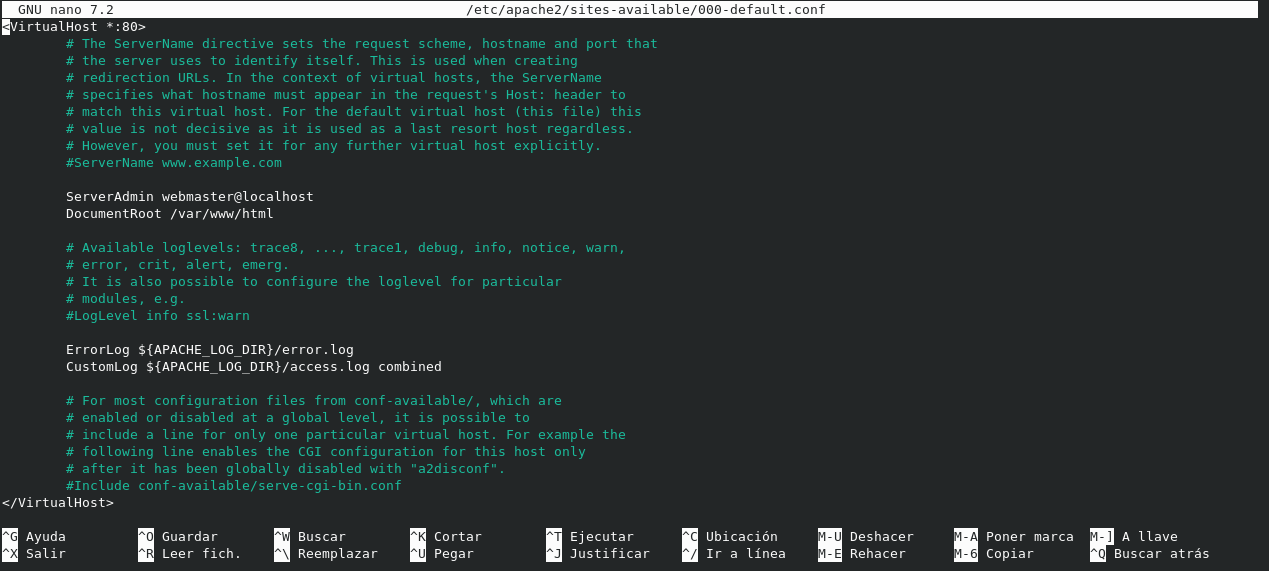
nano /etc/apache2/sites-available/000-default.confAt that moment, the file opens with Nano and initially we will find the following text:
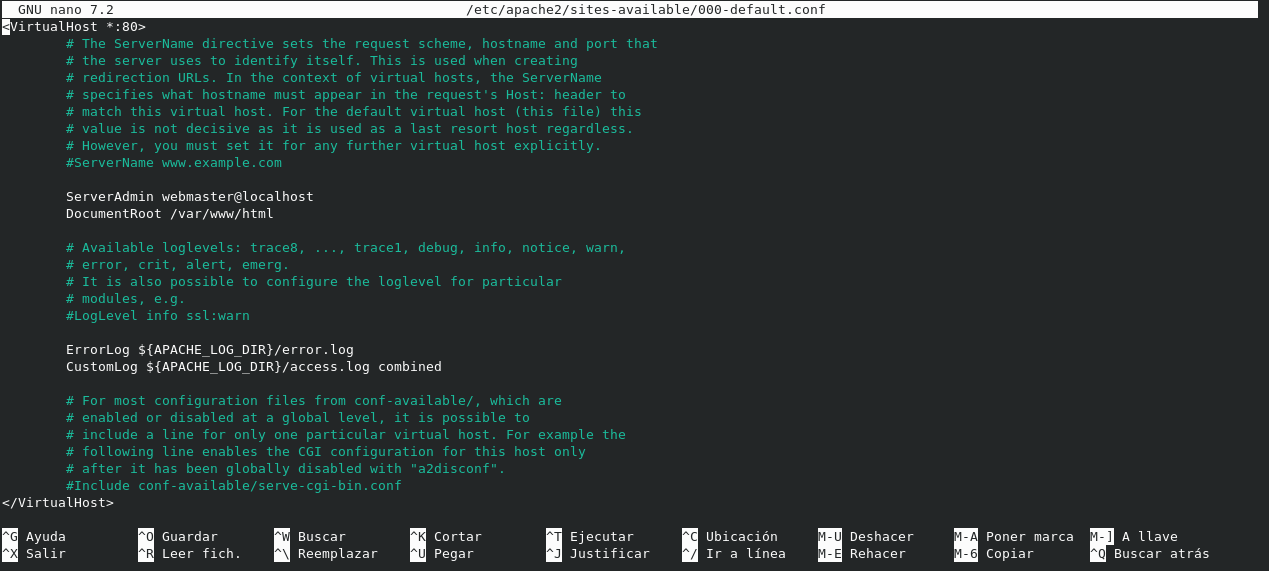
The lines that appear for configuration are:
- ServerAdmin: administrator's email
- DocumentRoot: local folder where the web is stored
- ErrorLog path where server errors are logged
As the file is initially, no matter how we access the server from a web browser (from any domain pointing to the IP), it will show the page that DocumentRoot points to.
A good template for a couple of virtual hosts can be as follows:
<VirtualHost *:80> DocumentRoot "/home/Servidor/portada/" ServerName hardlimit.com ServerAlias hardlimit.com CustomLog ${APACHE_LOG_DIR}/access_hardlimit_com.log combined </VirtualHost> <VirtualHost *:80> DocumentRoot "/home/Servidor/banco_pruebas/" ServerName bm.hardlimit.com ServerAlias bm.hardlimit.com CustomLog ${APACHE_LOG_DIR}/access_bm_hardlimit.log combined </VirtualHost>By putting the domain name in both ServerName and ServerAlias options, the page shown from that domain will be the one that DocumentRoot points to. In case they do not match, the web that appears in the first VirtualHost of the list will be served.
In that template, we see two VirtualHost sections: one to attend requests from the root domain hardlimit.com another for the subdomain bm.hardlimit.com. Each has its independent configurations and as many VirtualHost sections as necessary can be added.
Since we have configured our sites individually, we must delete the generic configurations of the apache2.conf file so that they do not conflict. To do this:
nano /etc/apache2/apache2.confNow we delete all 'Directory' sections that we find in the file. With this, we make sure that we can use any folder different from /var/www/html that comes by default.
For the changes to be applied, you must restart Apache from root with:
/etc/init.d/apache2 restartBut how does all this work? The process is as follows:
- You type hardlimit.com in the web browser.
- Your computer asks the DNS server for the IP of that domain.
- Your computer connects to that IP address and tells the web server that it wants to communicate with hardlimit.com (this information is contained in the Host header of the HTTP request).
- Our web server checks the configuration to find out what content to offer with that request.
- If hardlimit.com is as a parameter of ServerName or ServerAlias in a VirtualHost section, the content of what is in the DocumentRoot path is offered. If it does not find it, it offers what the first VirtualHost in the list says. If no VirtualHost exists, it falls back to the configuration stored in the Apache configuration file located in /etc/apache2/apache2.conf.
Toda la actualidad en la portada de Hardlimit
Mis cacharros -
 C cobito referenced this topic on
Hello! It looks like you're interested in this conversation, but you don't have an account yet.
Getting fed up of having to scroll through the same posts each visit? When you register for an account, you'll always come back to exactly where you were before, and choose to be notified of new replies (either via email, or push notification). You'll also be able to save bookmarks and upvote posts to show your appreciation to other community members.
With your input, this post could be even better 💗
Registrarse Conectarse