PC Gamer to play 3,000 €
-
To everything said, I think buying such a large hard drive is not necessary. A good SSD (you decide the capacity but at the current price not less than 500 Gigas) a mechanical drive that you could use from your previous computer and the rest external drives. I have an external drive of 6 TB, a WD and I connect it very little. With the SSD I have more than enough for the use I give to the computer. But you have to see what use you give it. I used to have an SSD and several mechanical ones, but when I realized that I gave little use to the mechanical ones, and in the end they generated noise, I put them in an external casing as well and that was it. I have more than 10 TB in mechanical drives and none connected right now. So at most connect one type of 2 TB if you mount an SSD of 1 TB or similar.
I think 32 Gigas of Ram is good for it to last you years, although for gaming and office work 16 would be more than enough for a while. The processor, if money is not a problem, the I9 that you indicate but... as they indicate to you, the new AMD ones are coming out soon that promise an IPC (power per core more or less explained in a simple way) similar or slightly superior to Intel, at a better price and with more cores. Decent air cooler and off you go.
I recommend holding on with the 1440p monitor. Because if you buy a 4K you will be able to enjoy some games at full capacity and in a short time you will see that not all games run smoothly. Unfortunately 4K is a very demanding resolution and for years now graphics cards have come out that seem like they are worth it for 4K and in a short time they fall short. Now, if you want to enjoy that equipment for a while at 4K and you don't see a problem with lowering details or even resolutions in a few years... then go ahead.
Don't skimp on the power supply. I would look for one with a Gold certificate or similar, Modular, and if possible that the fan came into operation under high load. For example, in my power supply in Windows the fan does not activate, it is a pleasure that the only thing you hear from the equipment is the CPU fan because the graphics card fan also doesn't work under low load.
And little more, think about the monitor, maybe a good 144Hz monitor of 24-27" is better than a 32" 4k. Depending on the type of games you use.
-
There are comments about Ryzen 2, the boss is going to give a speech at the end of May at Computex and along with the rumors that TSMC is not producing at a good pace, it could be that they are delayed, maybe they will really be announced there and land in the middle of the year

In any case I wouldn't put money into Intel, which by the way, it is also rumored that they are coming with 10 cores this year and supposedly they plan to announce them in the middle of the year.
I would honestly look for a Ryzen at a good price with the idea of moving to Ryzen 2 or its evolution. If it already gobbles up a lot with an i9, I'm afraid of the x10. It's a x2 of spending on micro and motherboard that I don't see justified.
-
@durin5000 The most common are Aussar, PCComponentes, CoolMod, Wipoid, in no particular order. Amazon, simply because of the tax issue, can afford to play in another league, and the day it offers assembly and testing (which I don't think will happen, but it's a possibility) it will finish off practically all computer stores.
If they're going to send you the team already prepared, you don't have to worry about RAID because it will already come configured and partitioned as you requested. (That's how I did it, but don't let anyone know.)
I understand that it's a personal choice, but I insist that you need it; even more so if you finally mount large capacity disks, because when a 6 TB disk starts to fail, there's a lot of data that you'll have to move.
Apart from that, from 3 TB onwards, they are disks for pure storage, with terrible transfer rates; a suitable RAID configuration, as I already pointed out, also minimizes this deficiency.
I must also agree with my colleagues on the fact of preferring AM4 over 115X, despite the fact that Intel is undeniably a bit better in games; the reason is the obsolescence of the platform, unless Intel does something unusual and maintains an architecture for more than five years (yes, I was laughing as I was writing it), because for some time they have been releasing a "new" one (note the quotation marks) every two or three years.
The worst thing that can happen to you with Intel is that in five years the motherboard will fail and you'll find that there are only low-end new motherboards, and the high-end ones are sold at a premium on the second-hand market.
Always, of course, take it all as suggestions.
@amd125 said in PC Gamer to play 3,000 €:
And little more, think about the monitor, maybe a good 144Hz monitor of 24-27" is better than a 32" 4k
QFT

-
I really appreciate the comments and advice.
My idea was an SSD for the operating system, an HDD to install games and programs, and another HDD to store data (videos, photos, downloads, etc.). Now I'm having doubts, I think I'll follow your advice and buy 1 SSD and 4 HDDs of 2 or 3 TB in RAID 10 mode. Do I need a separate controller or does the motherboard already include what's needed? Do I have to mess with the BIOS to set up RAID mode?
I'll buy the monitor later, for now I'm managing with the one I have of 27" (but I'm attracted to large monitors, big donkey whether it walks or not).
Putting 32 GB of memory is not for the games, I edit videos for work occasionally and use Photoshop, it's not all going to be gaming.
Regards. Antonio.
-
@durin5000 RAID 0, 1 and 5 can be configured both by hardware and software, each with its advantages and disadvantages. The rest of the levels depend on the motherboard's chipset; you can get a separate controller, but you must bear in mind that a hardware RAID will only work with the controller with which you create it, which is why I recommend using the one on the motherboard for everything that is not level 0, 1 or 5.
In any case, as I mentioned before, if you are going to buy the pre-assembled equipment and with the software pre-installed, simply indicate what level of RAID you want and how you need the drives to be partitioned; when the equipment arrives at your house you will not have to worry about anything else.
RAM, as I always say, is never too much; even putting in 64 GB, which now may seem like overkill, you can set up a RAMDisk and a RAMCache and you will have the fastest machine west of your neighborhood.

-
https://www.pccomponentes.com/configurador/Dc1305F73
I have changed the case, the HDDs and some other things. There are few cases that can accommodate an internal DVD drive, 4 HDDs and be quiet, I am about to remove the DVD drive or share an external one.
Greetings. Antonio.
-
@durin5000 Buy an external DVD burner, which will serve you better, and so you can use it on laptops and whenever you want.
W10 Home? A slap in the face! xD
Best regards!
Intel i5 3570k / ASRock Z77 Extreme 4 / G.Skill F3-12800CL9D-8GBRL / Sapphire HD5850 / Samsung HD103UJ / TR TrueSpirit / NZXT Source 210 / OCZ ZS550W
Intel i5 4570 / ASRock H87 Pro 4 / 2x G.Skill F3-14900CL8-4GBXM / Samsung 850 EVO 250Gb + ST1000DM003 + ST2000DM003 + HGST HDS723020BLA642 + Maxtor 6V250F0 / CM Seidon 240M / Zalman MS800 / CM MWE 550
AMD Ryzen 7 1800X / B350 / 2x8GB Samsung DDR4-2400 CL17 / NVIDIA GTX 1070 8GB / SSD 120GB + ST4000DM004 + ST6000DM003 / EVGA Supernova 650 G2 -
@fassou I just don't see the advantages of Windows 10 Pro for a normal user, so I've seen the improvements of the Pro version are focused on companies and things like Bitlocker or support for 2TB memory that I don't need, I think? Or is there something I haven't considered?
Can I use a Slim drive as an external drive or is it only intended for laptops?
Regards. Antonio.
-
@durin5000 My experience with Home versions is always related to strange problems with user themes (permissions and configuration) and network access, and with W10 things have gotten worse with all these mega patches they release every few months.
Regarding the burner, I recommend a cheap external one for the service it provides, especially now that laptops usually don't come with one.
If you use it a lot, put the internal one, but I can tell you that I have already removed the internal one from several computers, broken from old age and barely used, and no matter how cheap they are, it's usually not worth repeating the mistake, it's better to buy some good USB3 pencils, as physical discs are hardly used anymore, unless you tell me that in yours they are still used.
Salu2!
Intel i5 3570k / ASRock Z77 Extreme 4 / G.Skill F3-12800CL9D-8GBRL / Sapphire HD5850 / Samsung HD103UJ / TR TrueSpirit / NZXT Source 210 / OCZ ZS550W
Intel i5 4570 / ASRock H87 Pro 4 / 2x G.Skill F3-14900CL8-4GBXM / Samsung 850 EVO 250Gb + ST1000DM003 + ST2000DM003 + HGST HDS723020BLA642 + Maxtor 6V250F0 / CM Seidon 240M / Zalman MS800 / CM MWE 550
AMD Ryzen 7 1800X / B350 / 2x8GB Samsung DDR4-2400 CL17 / NVIDIA GTX 1070 8GB / SSD 120GB + ST4000DM004 + ST6000DM003 / EVGA Supernova 650 G2 -
@durin5000 said in PC Gamer to play 3,000 €:
@fassou I don't quite see the advantages of Windows 10 Pro for a normal user, so I've seen the improvements of the Pro version are focused on companies and things like Bitlocker or support for 2TB memory that I don't need, I think? Or is there something I haven't taken into account?
Can I use a Slim drive as an external drive or is it only designed for laptops?
Best regards. Antonio.
Better Win 10 Pro, really and more so when you're going to build such a powerful machine. I've always noticed the Home versions (since Win XP) as second division and for more modest machines or users who don't even know what an OS is.
It's worth it, really. It's better to have more than to run out when we're talking about a PC where you invest a lot of money in.
Bitlocker is a marvel if you want more privacy/security with your data... plus you can encrypt USB drives and pen drives so they don't fall into the wrong hands.
Best regards.
-
@_neptunno_ Hello, thanks for the advice, I have already ordered the computer with Windows 10 Pro and 4 drives in RAID 10. If I'm lucky it will arrive in a couple of days.
Best regards.
-
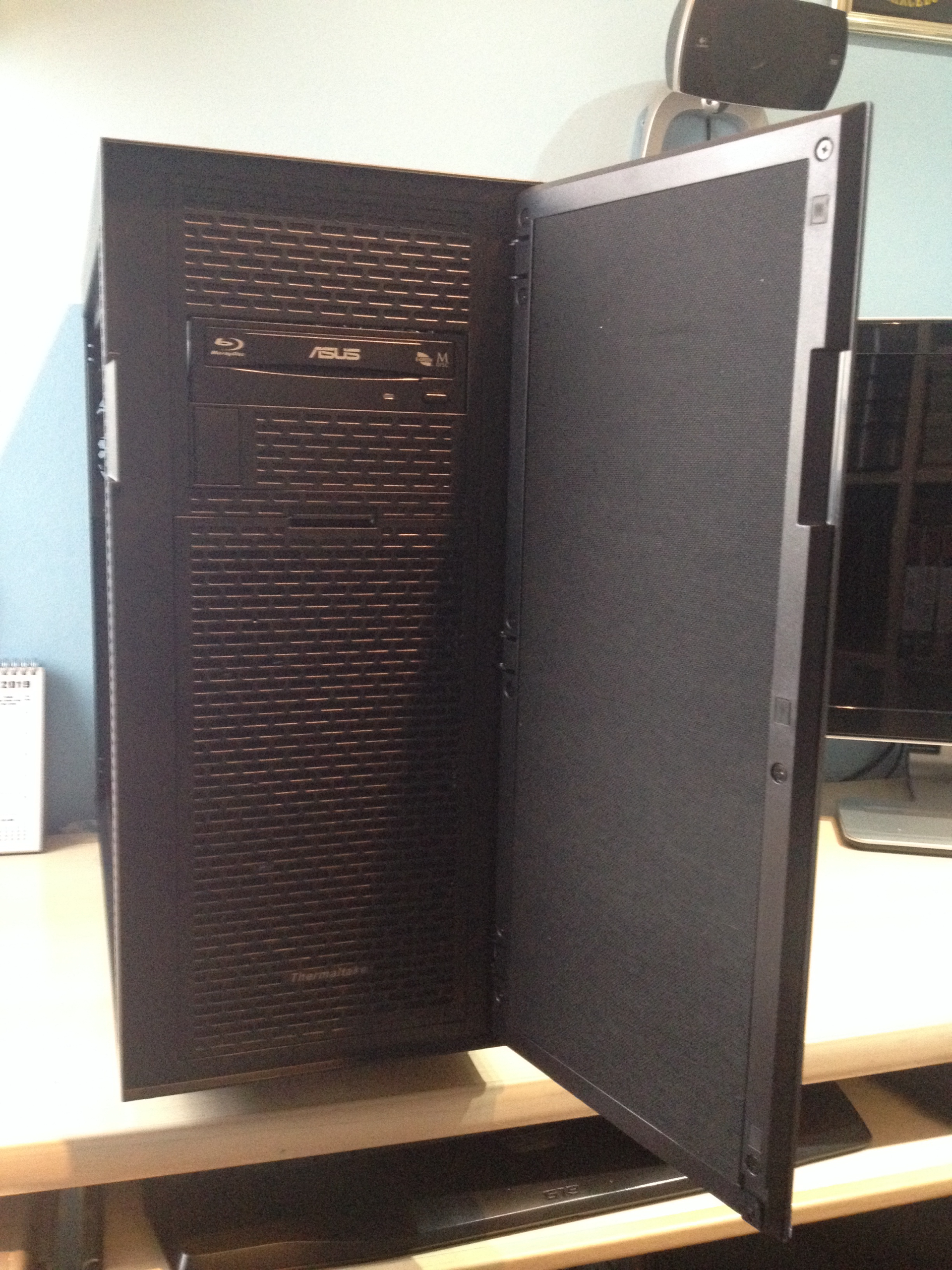
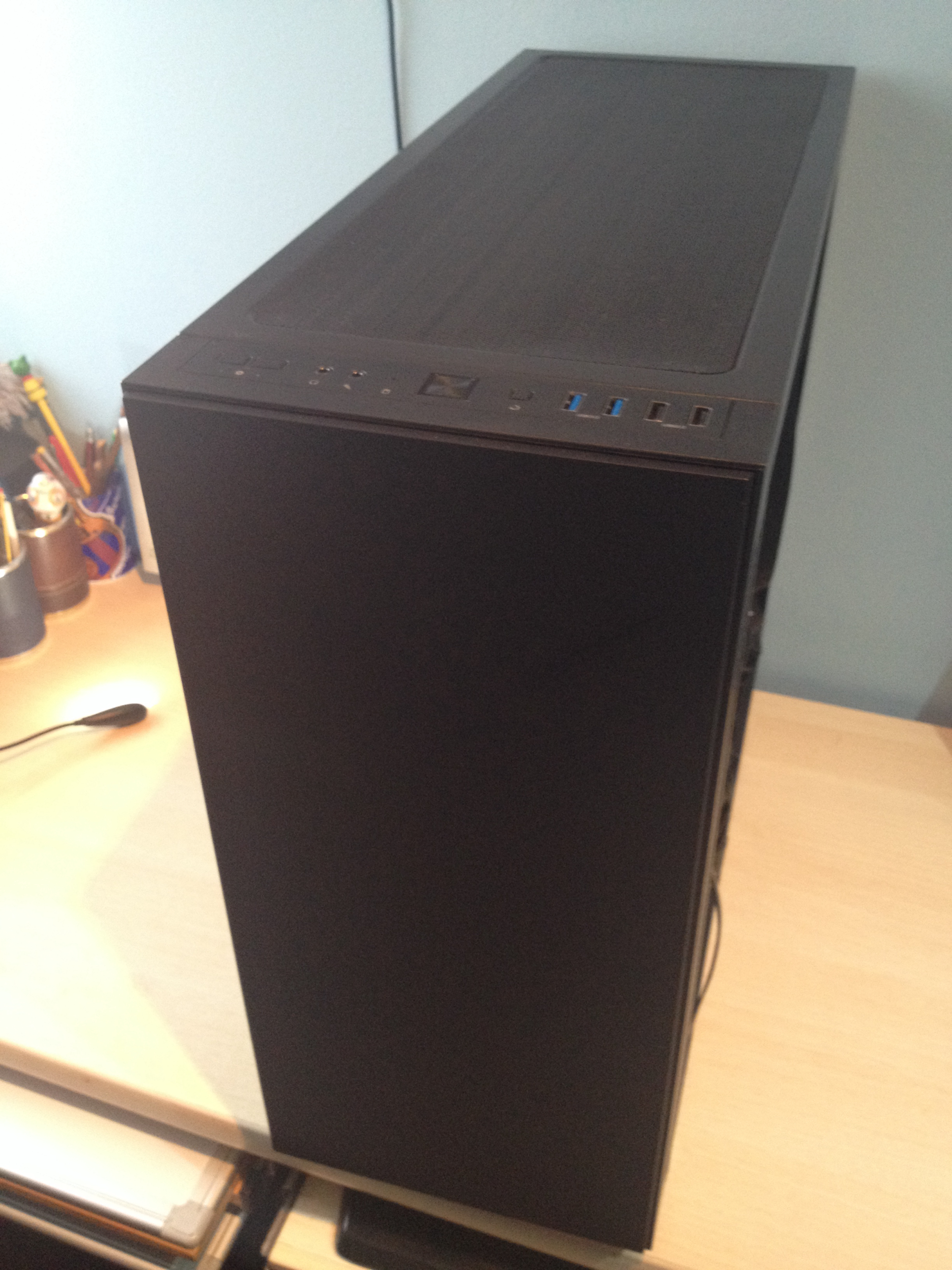
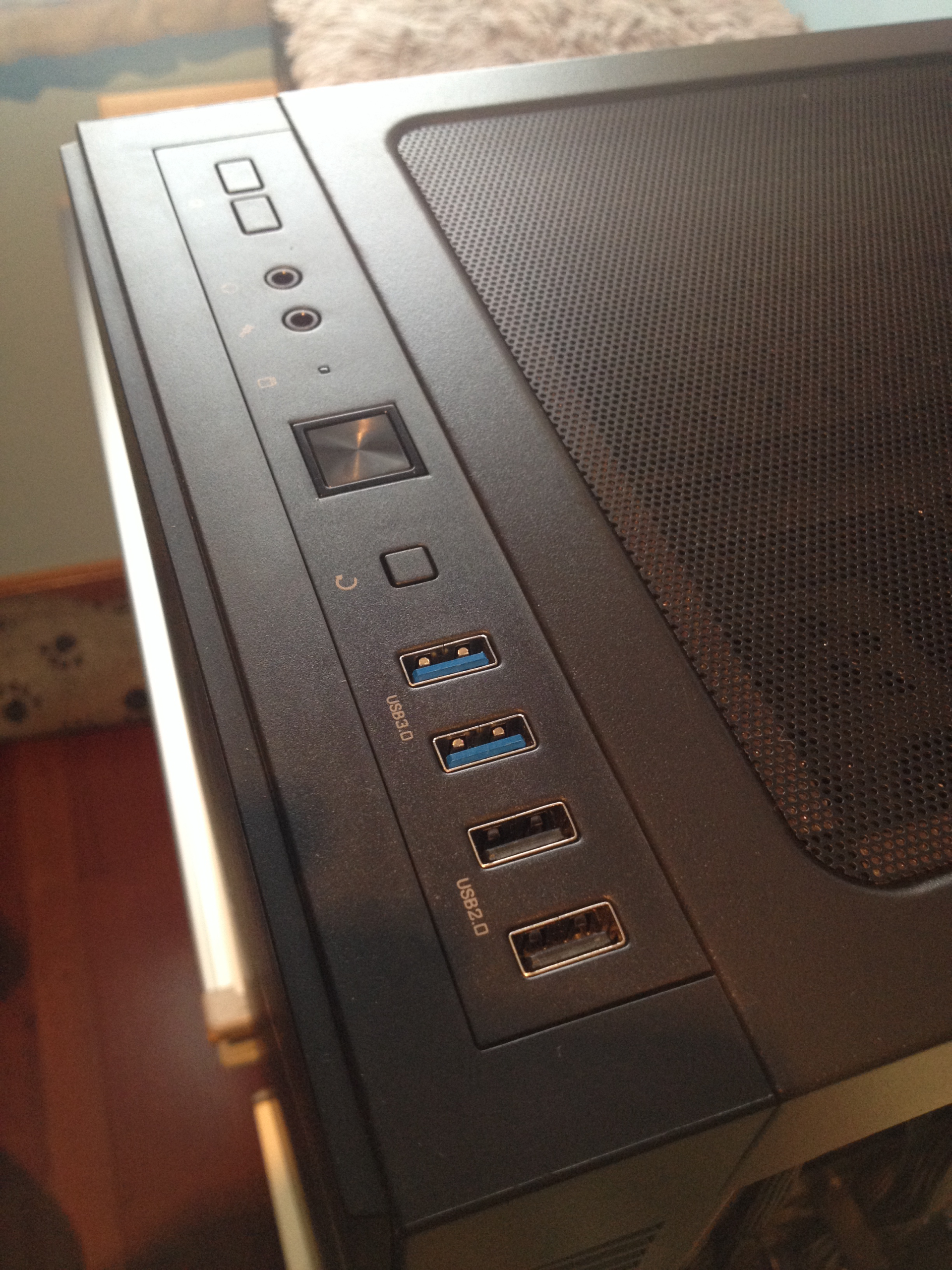
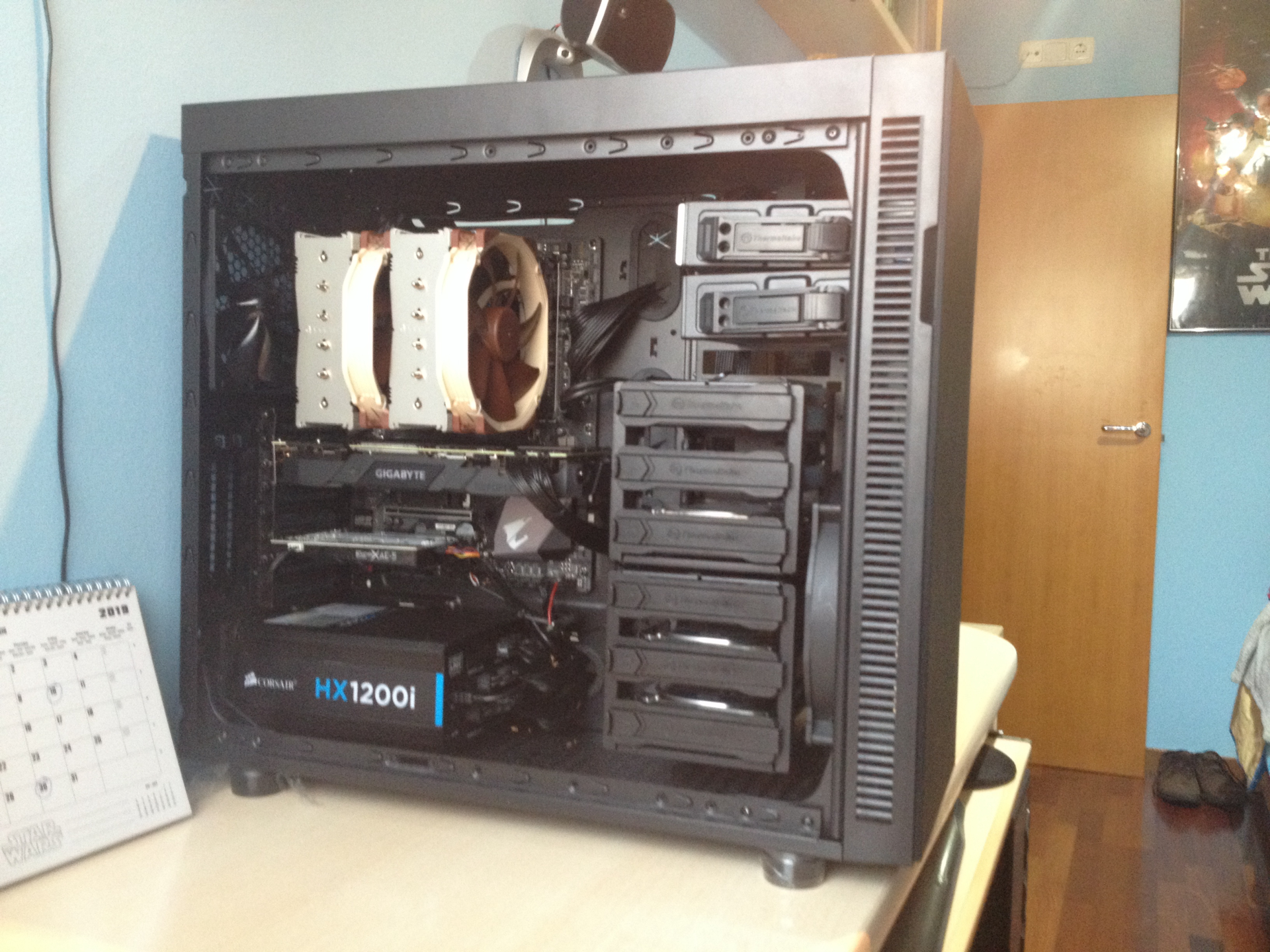
@durin5000 We want photos when you ride it!!

-
The minesweeper in ultra graphics is going great 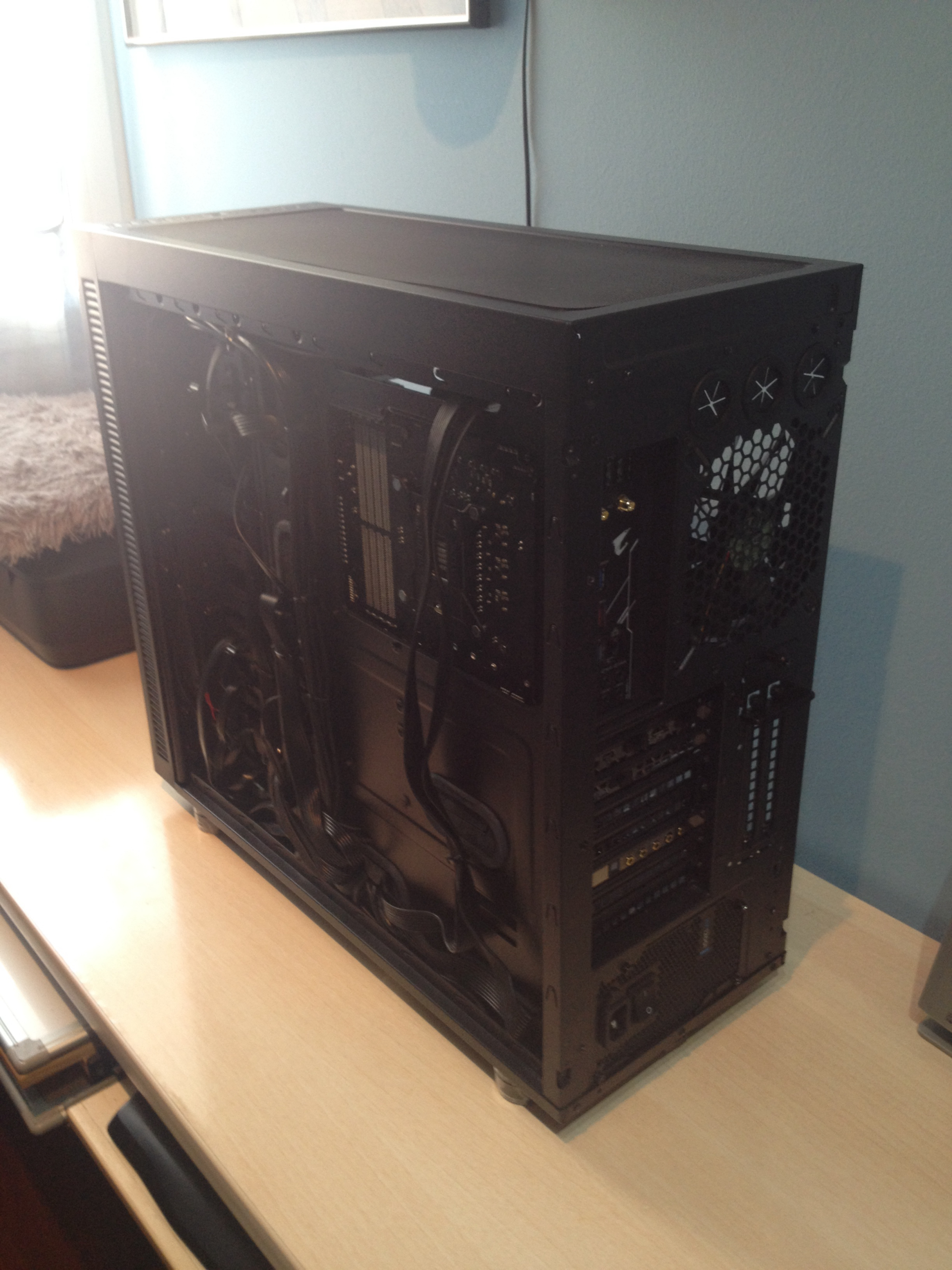
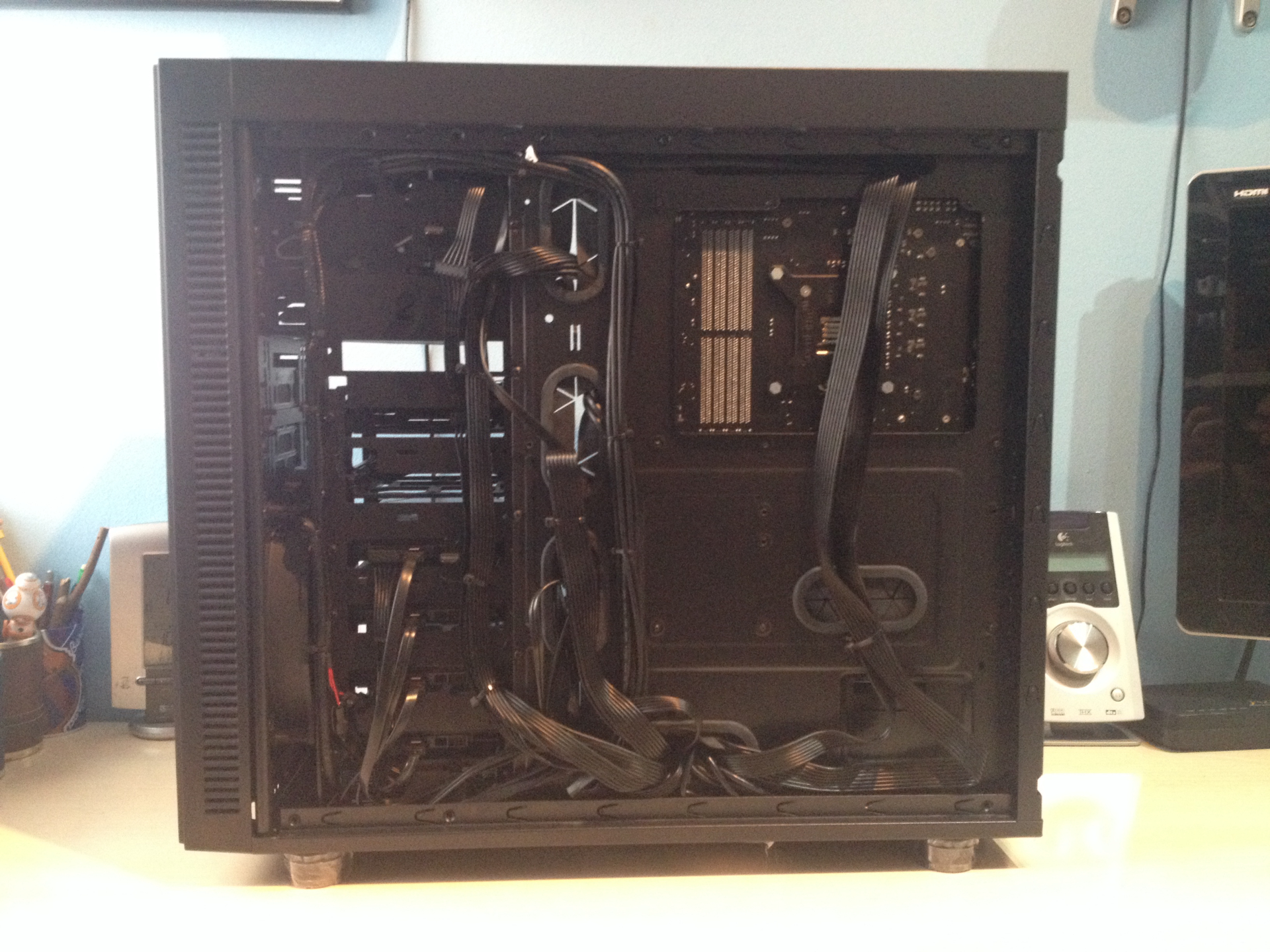
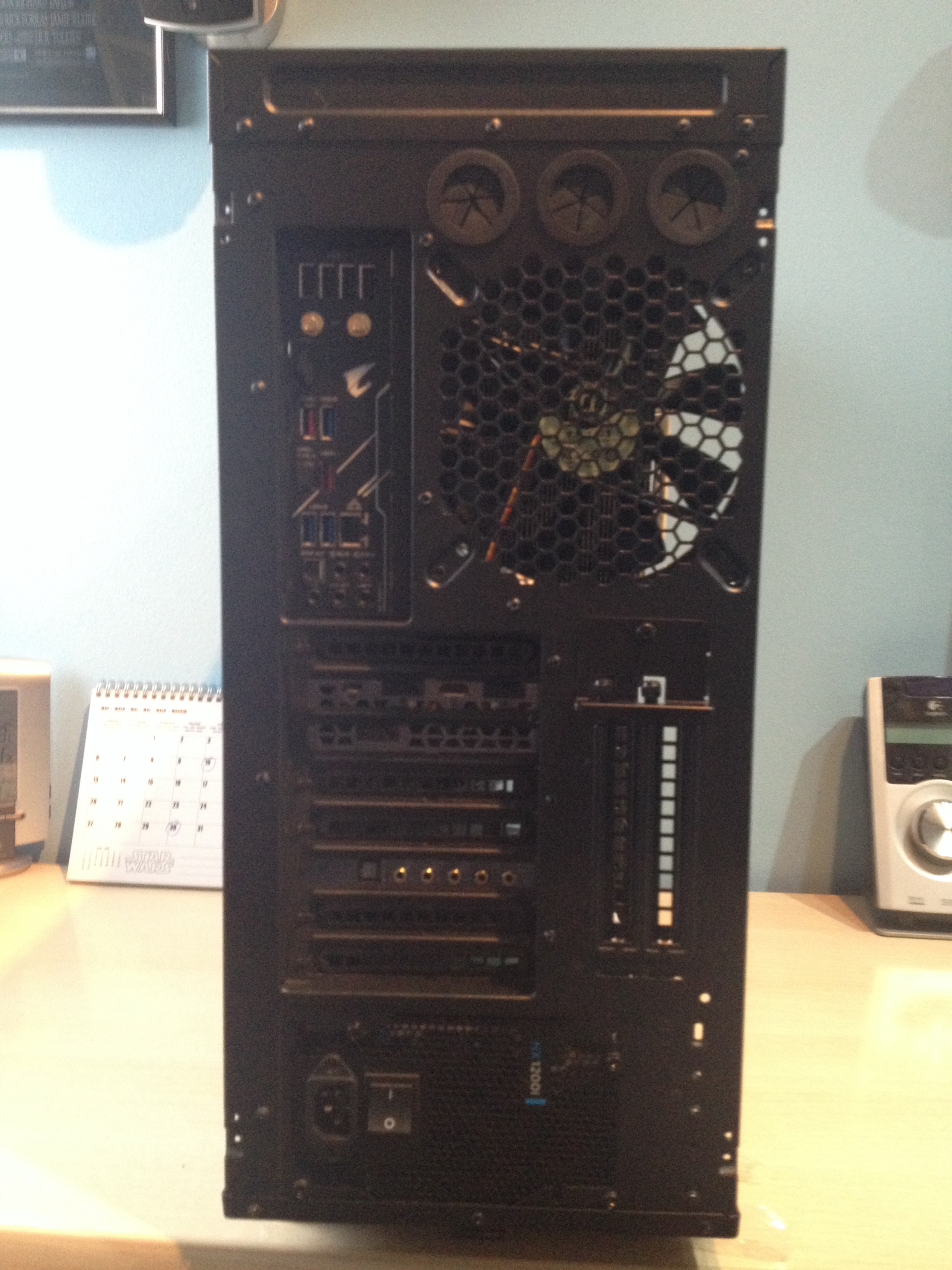
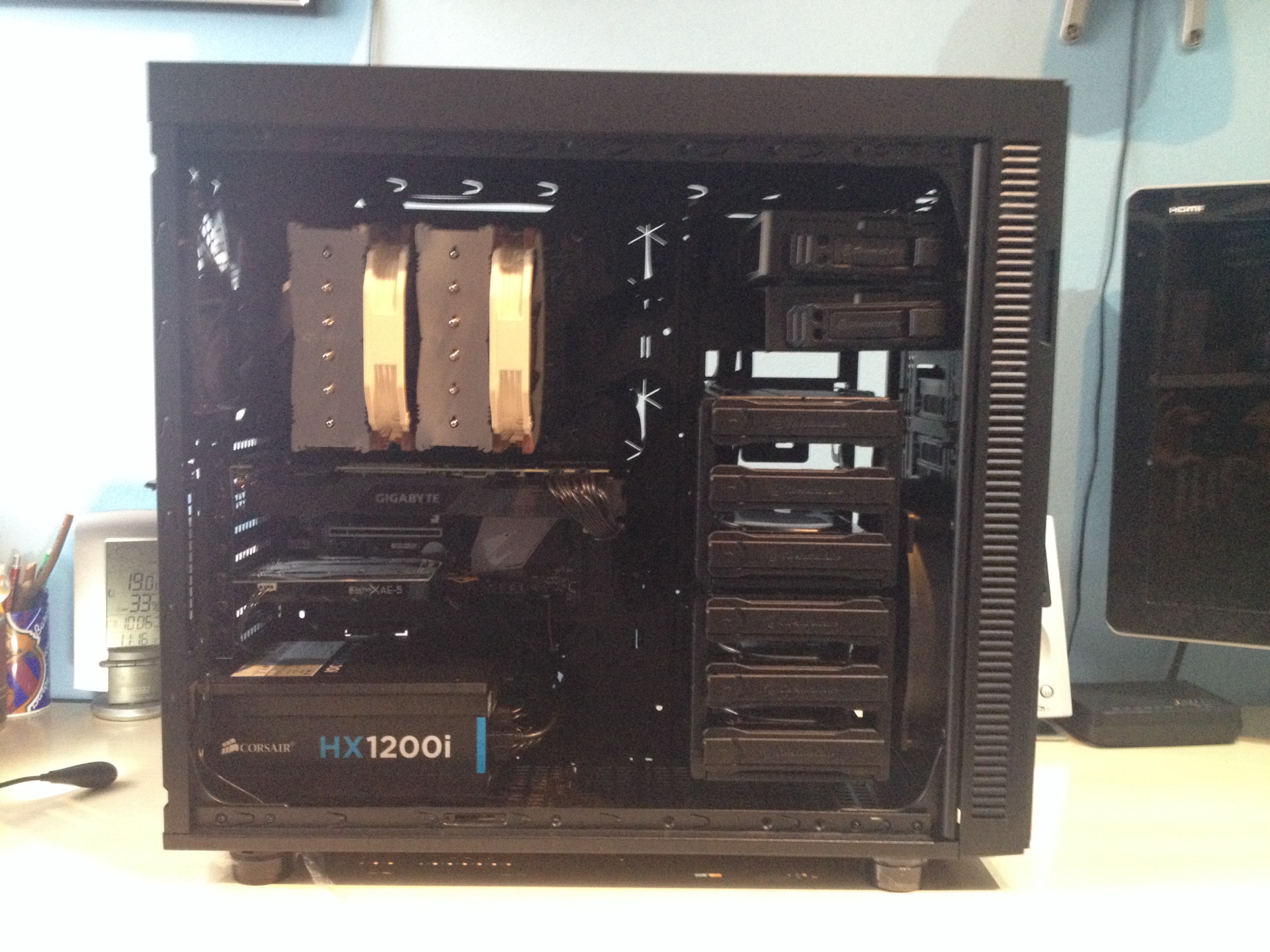

-
Well, enjoy the new computer and the cat. I really like the box, it's nice and understated.
-
[Modo Nvidia on] The quality of the photos is bad, too many photos of cables and case butts...
Now seriously, the cucumber is maximum and as a gatetes & pingpong lover I can only give you my dieses

Enjoy it!
-
Nothing, nothing; performance, tests, user experience... data!





Hello! It looks like you're interested in this conversation, but you don't have an account yet.
Getting fed up of having to scroll through the same posts each visit? When you register for an account, you'll always come back to exactly where you were before, and choose to be notified of new replies (either via email, or push notification). You'll also be able to save bookmarks and upvote posts to show your appreciation to other community members.
With your input, this post could be even better 💗
Registrarse Conectarse